













 Fabian
At the beginning of the year, Philips Hue announced several software innovations at CES in Las Vegas. First and foremost, of course, is the new SpatialAware, which we will have to wait a few more weeks for. Philips Hue has already implemented other announcements, such as the availability of the Hue AI assistant in additional languages. Now comes another small detail.
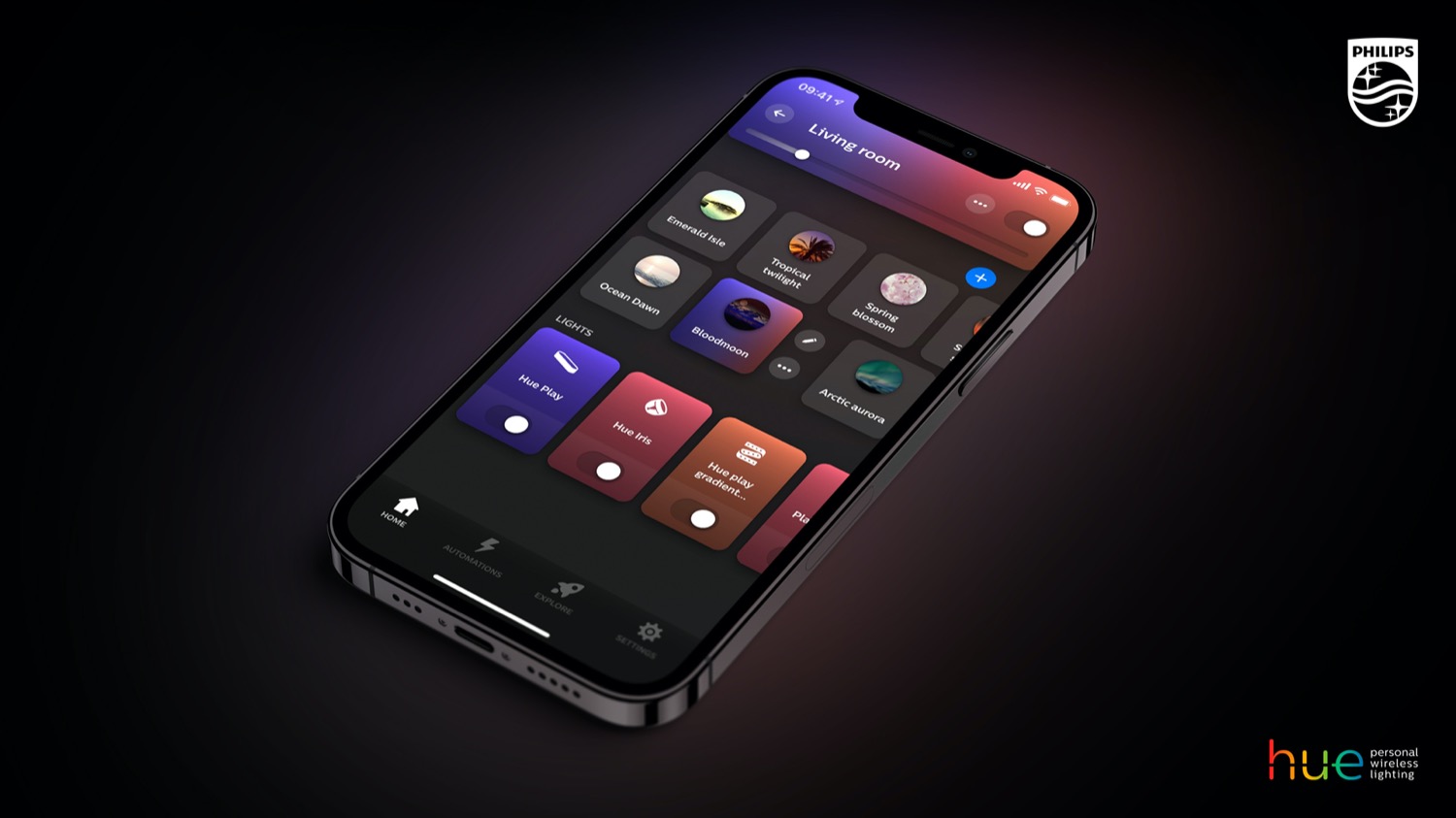
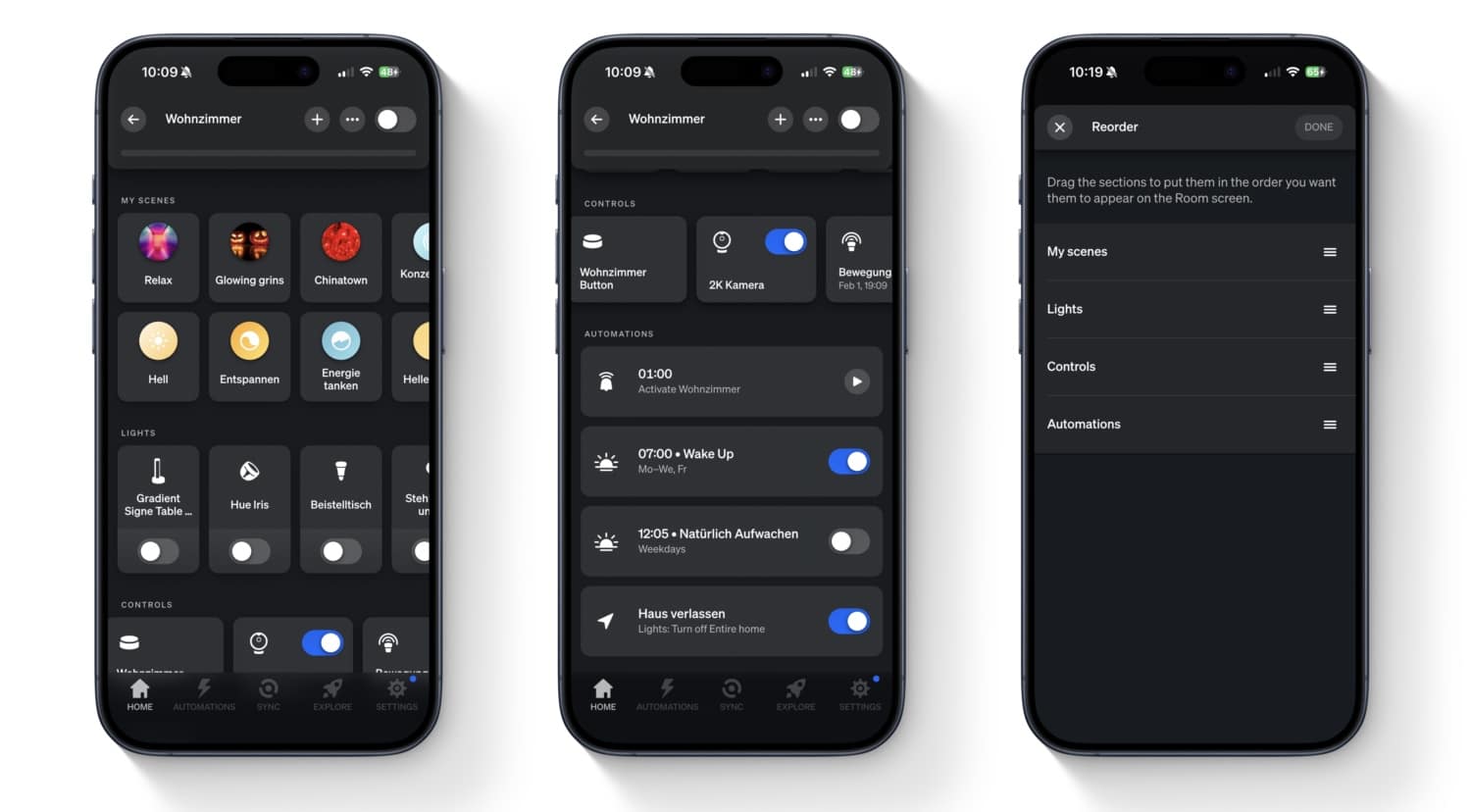
Starting with the current version 5.60.1, the Philips Hue app displays all matching automations and timers in the room view. This is particularly helpful for larger installations with many rooms and a wide variety of automations, as it allows you to see the actions associated with each room directly.
The room view now displays the following: At the top, you will see the scenes you have selected in two rows. This is followed by a row with all the lights in the room, then you will see all the switches, sensors, and motion areas in another row. A list of all automations has been added.
If you don’t like the order specified by Philips Hue, you can easily customize it. To do this, simply tap on the icon with the three dots in the room view and then on “Edit room.” In the following view, tap on “Order” at the bottom and you can then sort the four sections as you wish. This means you also have the option of placing the lights above the scenes. Feel free to write in the comments which order you like best.
These announcements still need to be implemented
Some of the updates promised at the beginning of the year have already been implemented. SpatialAware was announced for spring, so I’m assuming April or May. Apple Home support for wired Hue Secure cameras and the Hue Secure Video Doorbell is expected to be integrated in the first quarter, i.e., by the end of March.


I would like to discuss an issue with the “Coming Home” automation feature in the Hue app.
In a multi-user household, the automation appears to trigger every time a specific user arrives home, regardless of whether someone else is already home and has the lights turned on. As a result, when one person arrives, the lights (or selected scene) are automatically changed to that person’s configured settings. This can unexpectedly override the lighting that is already active and disrupt the experience for the person who is already at home.
Currently, there does not seem to be an option to prevent the automation from running if the lights are already on, or if another user is already present in the home. In practice, this significantly reduces the usefulness of the “Coming Home” feature in households with multiple residents.
Is there a way to configure the automation so that it only runs when the lights are off, or only when no one else is already home? If not, are there plans to add such a condition in a future update?