














 Fabian
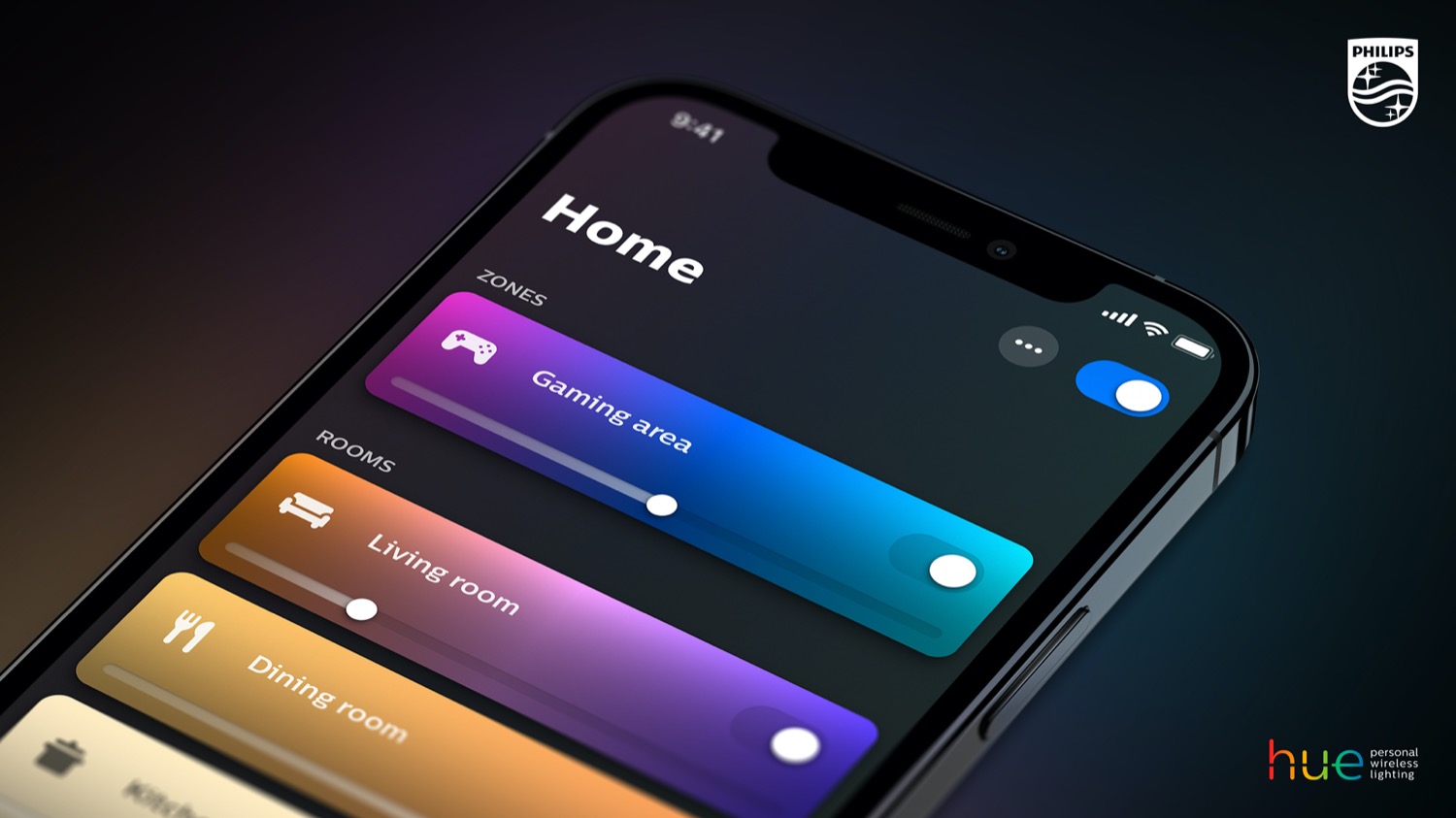
Some time ago, Philips Hue added a search function to the home screen of its app. Using a magnifying glass icon in the lower-right corner of the screen, you can quickly search for lights, rooms, or scenes. This small icon has since evolved into the Hue AI Assistant, but personally, I hardly ever use it either. With the latest update to the official Philips Hue app, this icon can finally be removed from the home screen.
If you don’t find the quick search or the Hue AI Assistant useful, head to the Hue app’s settings after updating to version 5.63. There, relatively far down, you’ll find the “App Settings” option, which hides a new setting. If you disable the “Floating AI Assistant” option, the icon will disappear from the home screen. If you haven’t enabled the assistant, this option is labeled “Floating Action Button” and removes the search icon from the home screen.
In the same menu item, you can customize the look of the home screen a bit further, as the “Master Switch” (Home button) for simultaneously turning all lights in your home on and off can also be disabled there. You should definitely turn off the “Hue Shop Shortcut” so that the shopping cart icon disappears from the home screen.
Philips Hue has not provided any further details about the update
Unfortunately, Philips Hue has not yet officially announced the new menu item. The update description for version 5.63 simply states: “Various bug fixes and stability improvements.” If you notice any other changes or new features, feel free to post them in the comments. I’m curious to see if you notice anything else.


Isn’t the moment you implement a disable AI in your App, the moment your AI strategy has failed? 😅
The app is unusable at the moment just check out the reviews in the android app store. App keeps crashing on launch.
I’ve been having this crashing issue, too, but on iOS. I open the app and shortly after it crashes. I’ve also noticed that the app makes my phone hot and their widgets lock up my device. I had to remove the widgets from my home screen. Seems the app is poorly tested and fixing a significant issue like this isn’t a top priority for Signify.