












 Fabian
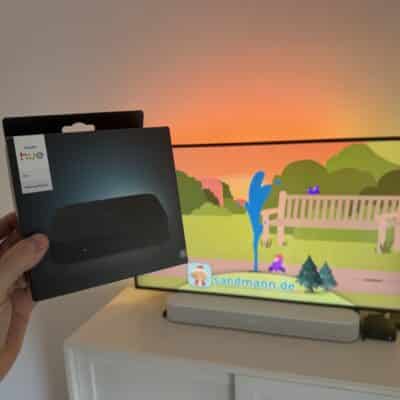
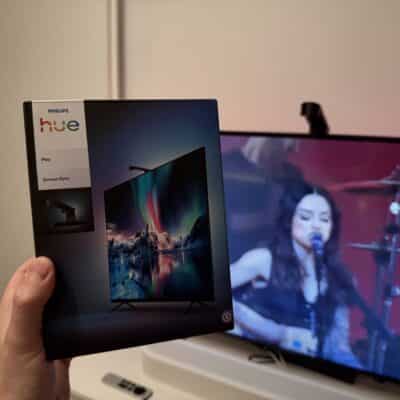
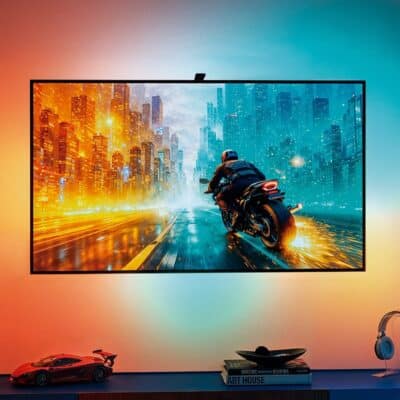
It’s been quite a while since Philips Hue introduced the improved Hue Play HDMI Sync Box 8K for €349.99. The improved model was launched in September 2024. The 8K version is particularly useful for gamers who want to use 4K at 120 hertz. However, since 8K and a frame rate of more than 60 hertz don’t really play a big role in the normal world, the expensive Hue Sync Box is almost a niche product.
Until now, this wasn’t a big problem, as the “old” Hue Sync Box with a maximum of 4K and 60 hertz continued to be sold. At Philips Hue itself for €269.99, and in stores for a long time for just over €200. But a lot has changed in the meantime.
The old Hue Sync Box is now sold out directly from Philips Hue. I couldn’t find a single country where this version is still being sold. And the situation is similar in the open market, at least here in Germany. The 4K version of the Hue Sync Box is no longer available from any of the major retailers such as Amazon, Saturn, or MediaMarkt.
What does the future hold for the Hue Sync Box?
At around €300, the Hue Sync Box 8K is certainly not a bargain. But what are the alternatives? When it comes to Philips Hue, the Hue Sync TV app is definitely worth mentioning, which is available on reasonably recent Samsung and LG TVs. It can be purchased as a one-time purchase for €129.99 or as a subscription for €2.99 per month.
It’s interesting to take a look at the sister brand WiZ. They offer a “simple” WiZ HDMI Sync Box with 4K at 60 Hertz and an HDMI input for €90 – and that even includes a light strip for installation behind the TV.
The gap between the simple WiZ Sync Box for €90 and the Hue Sync Box 8K for €349.99 is currently huge. In my opinion, there is definitely room in between. Perhaps for a slimmed-down Hue Sync Box for normal 4K content with one or two HDMI connections for a price between €150 and €200? What do you think?

Philips Hue Play HDMI Sync Box 8K
$349.99 / £299.99 / €349.99

I have the 4K box and it works fine for me. No need to upgrade but it really can’t be that complicated to make a slimmed down box maybe with just one input and one output. I don’t need 4 hdmi inputs .
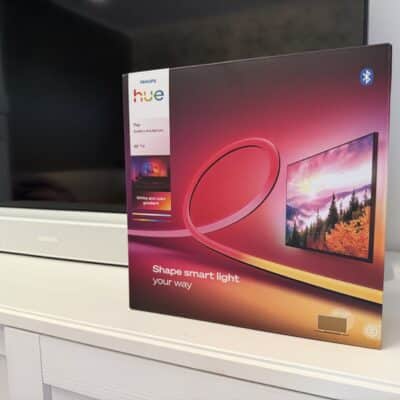
I’m new to the lighting game and struggling to get the most out of my situation. I have a 120″ projection screen tv that measures 105″ wide by 59-1/2″ tall – it’s an older Elite Screens brand. I have bought the HDMI Sync box, a bridge (not the pro), the LED Play Gradient 75 strip, and multiple gradient extender strips. The Play Gradient stretches across the top of screen and extends down each side about 3″. Then I have a series of the extender strips wrapping around the rest of the tv.
I have so many questions I’m not even sure where to start. I guess with the app. When I created the entertainment area I identified the Play strip as being at the top of the tv. The app identified the extender strips as a light bar, which seems wrong, and I placed it in the center of the tv. This just does not feel correct for some reason. How does the app know that the Play Gradient is only across the top of the tv? And is the extender strips being identified as a light bar incorrect?
But before I start fine tuning the app I want to get the lights nailed down. They are currently having issues sticking to the side of the metal frame so I wanted to invest in clips to help anchor them down. That’s when I started to wonder, is it possible to buy a second Play gradient for the bottom side of the television, and then have extender strips just going along the sides? If I was able to identify the first Play gradient as being at the top of the tv, couldn’t I just identify the second one as being at the bottom? ”
Thanks in advance for any guidance you can give!!