





 Fabian
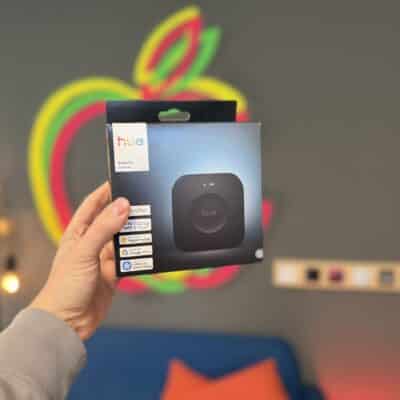
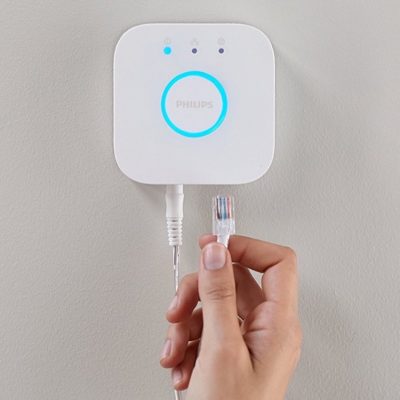
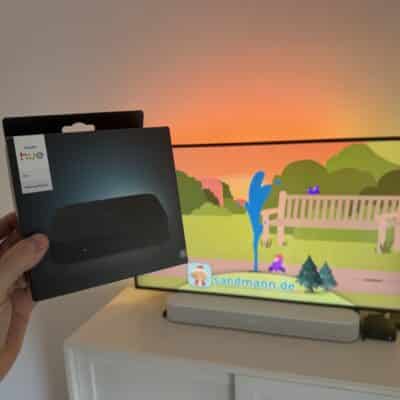
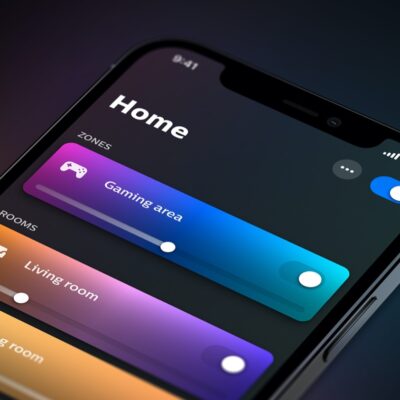
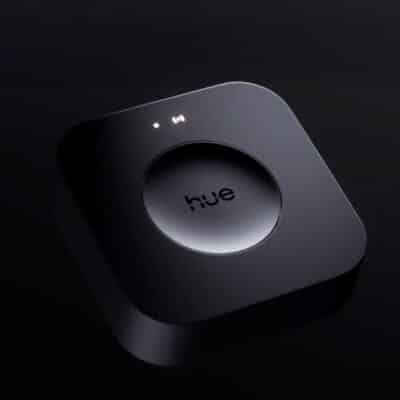
For comprehensive configuration of your entire Philips Hue setup, the paid iConnectHue app for iPhone and iPad continues to offer the most features. German developer Stefan Göhler has been hard at work again in recent weeks and has now added support for MotionAware zones in conjunction with the Hue Bridge Pro.
After the initial setup in the Hue app—which will later also be possible directly within iConnectHue—a few additional features become available. iConnectHue allows for manual setup with lights of your choice as well as reducing the inactivity time to as low as 30 seconds.
Additionally, the Hue Motion Areas in iConnectHue are compatible with Magic Scenes. You can also pause active motion areas just like motion sensors or even temporarily disable them completely. However, Stefan Göhler also notes: “Unfortunately, due to Bridge limitations, we’re otherwise somewhat restricted: up to three rooms, a single zone, or the entire home are available, and there’s only a limited selection of possible actions.” The new MotionAware features are available with Pro Bridge support.
Also new in iConnectHue
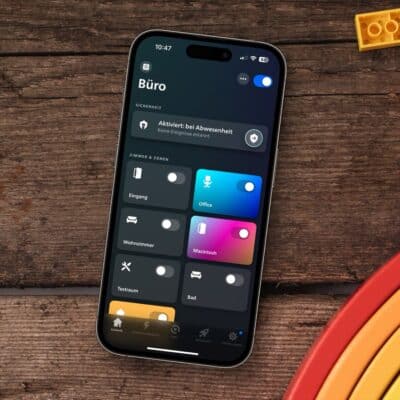
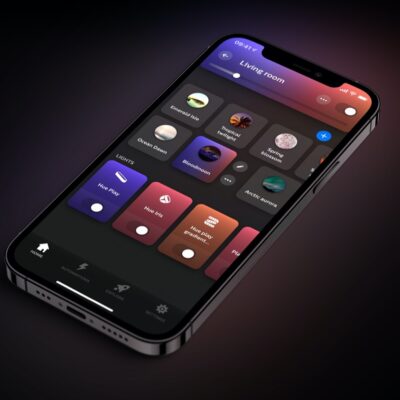
New free features are also available for the handy app. Among other things, a lot of time was spent revamping the device editor. It is now even easier to understand and use. In addition, swiping to the dashboard can now be disabled in the dashboard options, editing contact sensors has been improved, and the Fruit color set has been made even fruitier with additional colors.
iConnectHue is still available for download as a universal app for €4.99. Some specific features, particularly extras added later, must be unlocked separately via in-app purchases. Unfortunately, this makes things a little confusing.


