










 Fabian
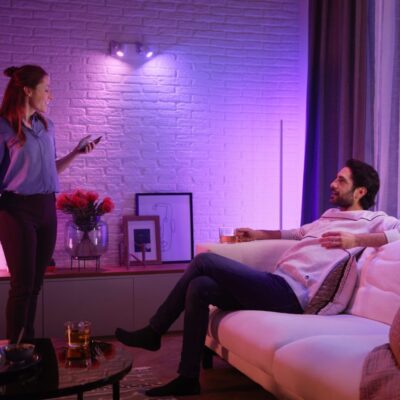
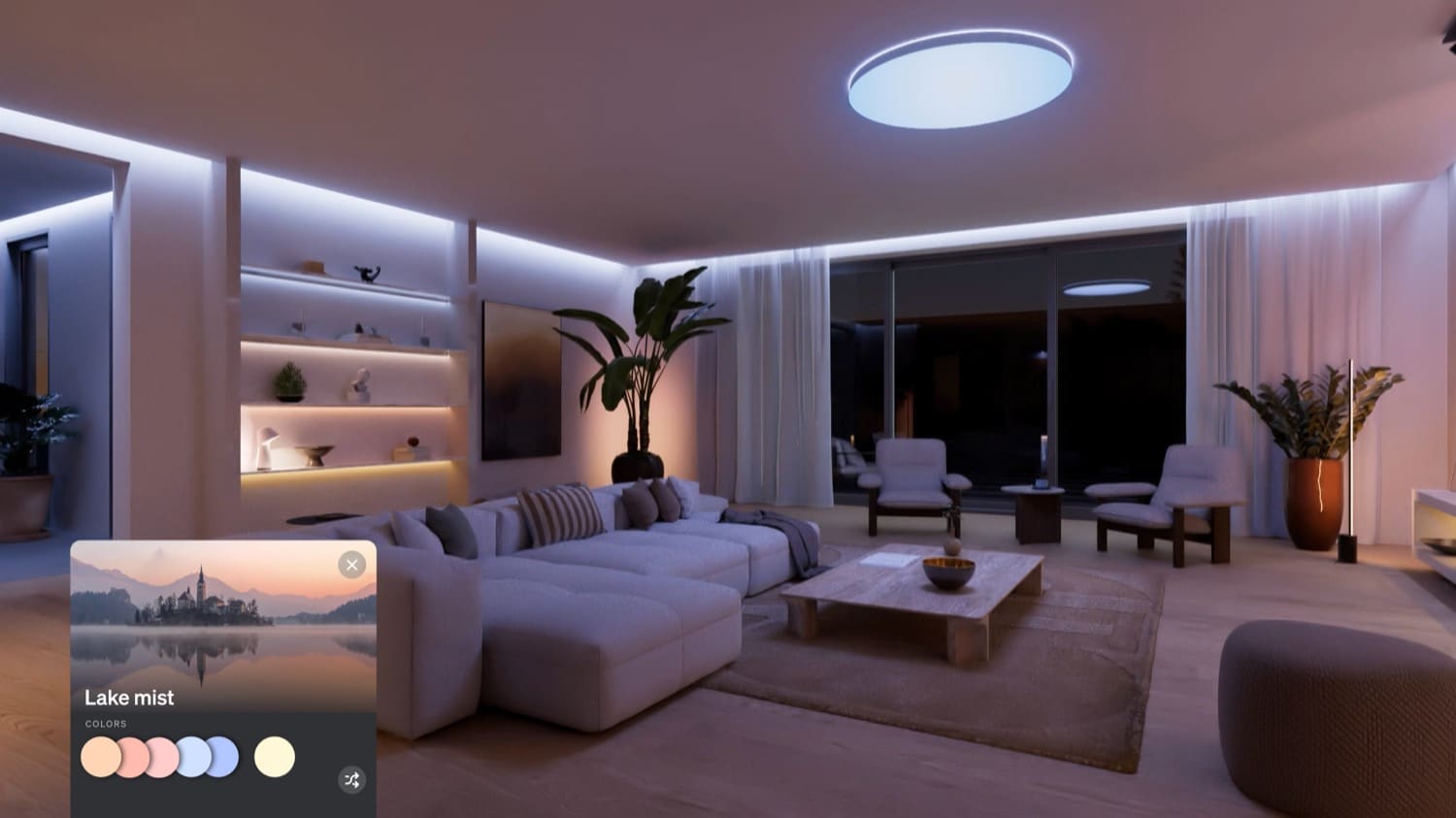
The new SpatialAware feature has been available in the Hue app since Tuesday. When used with the Hue Bridge Pro, lights in a room can be scanned to determine their positions, thereby optimizing the display of scenes.
And in practice, this actually seems to achieve the desired effect, at least according to your initial experiences. Unfortunately, I’m still not home to try out SpatialAware myself.
“It really makes a huge difference, especially with the 24-hour scenes! I have seven lights—from lamps to strips—in a 20-square-meter room, and it already looks great,” writes DeWecki. And Sash is also convinced by the new technology: “SpatialAware is a huge leap forward technically, and the first impression is really strong. The lighting atmosphere finally feels organic and no longer just statically distributed.”
SpatialAware is not yet available in zones

So far, there seems to be only one major issue: SpatialAware can currently only be used in rooms, not in zones. But that would be a really exciting feature, especially in open-concept living spaces where there are no walls or doors separating the dining room, living room, and kitchen.
So far, you’d have to create the same SpatialAware scene in every room and then manually create a scene from it within the zone—that’s not really intuitive and should definitely work more simply.
I’m actually a little surprised that Philips Hue didn’t think of this small feature. Over the past couple of days, I’ve seen people mention exactly this quite often on social media. That gives me even more hope that SpatialAware will be expanded to zones in an upcoming update. At least from a technical standpoint, I can’t think of any reason why not.

So far I’m really impressed, setup is really easy! You do need an extensive floor to ceiling lighting setup to really appreciate it, but it’s a really nice treat for those of us who do! Quite a few light scenes don’t support the spatial feature since it’s really designed to mimmic outdoor horizon gradients and only certain scenes really apply. The lack of Zone support is understandable at this point since you need more complex customization for a larger number of devices. The biggest issue is that the spatial setup doesn’t work well with light strips that aren’t simply horizontal or vertical. I have an Omniglow strip behind a tall arching cabinet that Spatial Aware can’t map correctly. I expected this to be an issue, but hope they upgrade spatial mapping in the future for those type of light strips in particular.
So, there’s no way to go back into the room to confirm/reset SpatialAware that I can find. Am I wrong?
I can change the Spatial Aware configuration if I go to the room and click edit. Then on the bottom left you will find a “Edit Spacial map” button (very easy to miss).
Found it. Thanks!
I read a long time ago that SpatialAware wasn’t compatible with Philips Hue Go type lamps, but I see one in the image of the post. Are they compatible or not?
That’s a Bloom, not a Go. Different stand/leg design.