














 Fabian
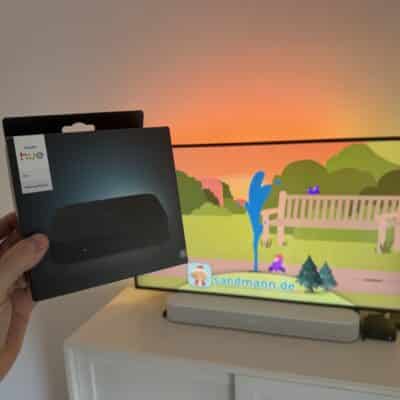
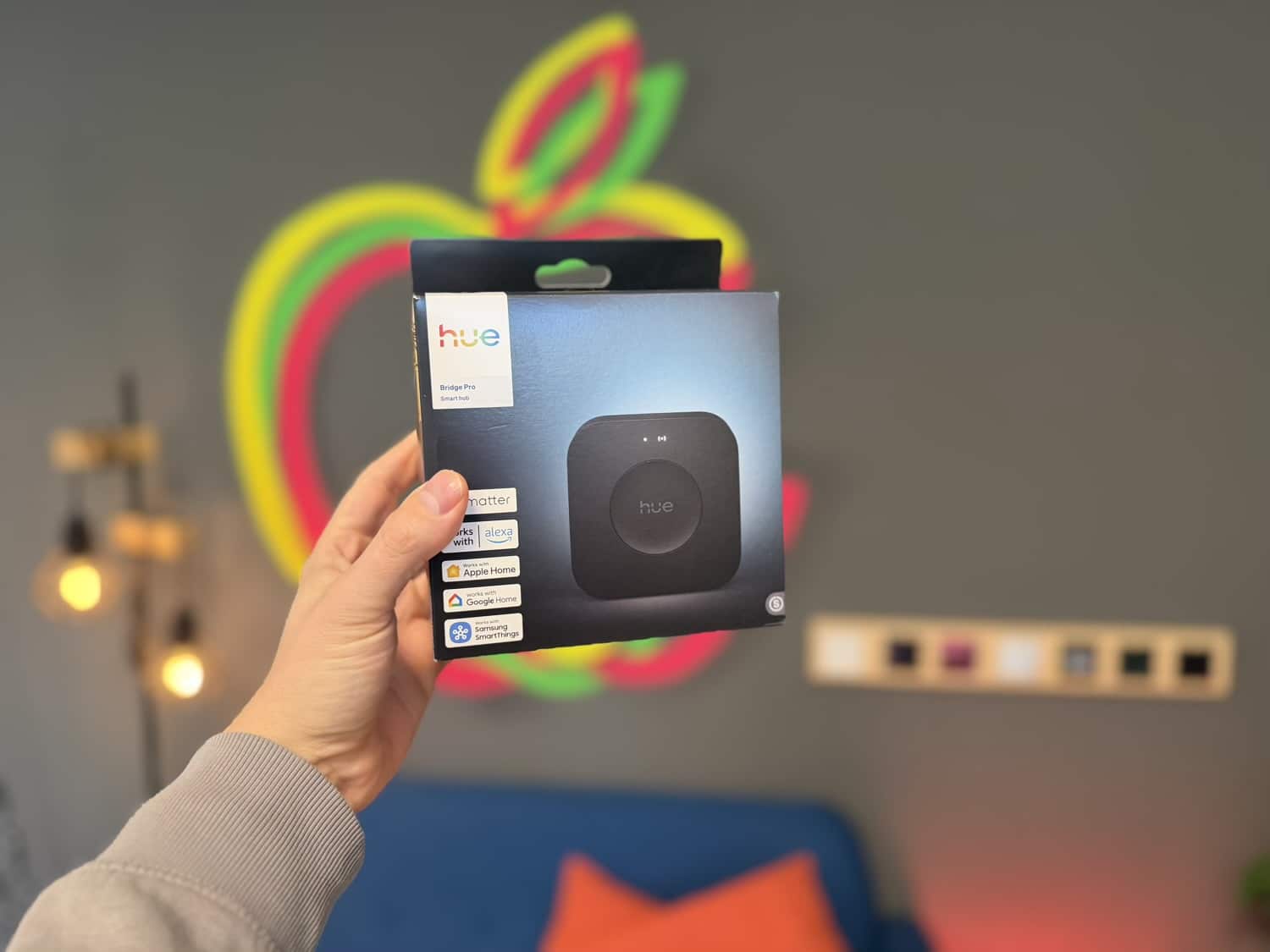
I have to admit that I was a little disappointed when Philips Hue unveiled the new Hue Bridge Pro in early September and it became clear that only data from an existing Hue Bridge could be migrated. After all these years, though, it wasn’t a big deal to keep one of the two old control centers running a little longer.
When the Hue Bridge Pro was launched, Philips Hue announced that the feature for migrating a second bridge would be coming later this year. And they kept their word: all rooms, zones, lights, and accessories from additional bridges can now be transferred to the Hue Bridge Pro.
Here’s how to migrate the settings from the second bridge to the Hue Bridge Pro
The update (Hue app version 5.57) with the new feature has just been released. I haven’t migrated the second Hue Bridge myself yet, but I’ll take some time to do so in the next few days. Therefore, I can’t give you my own impressions at this point.
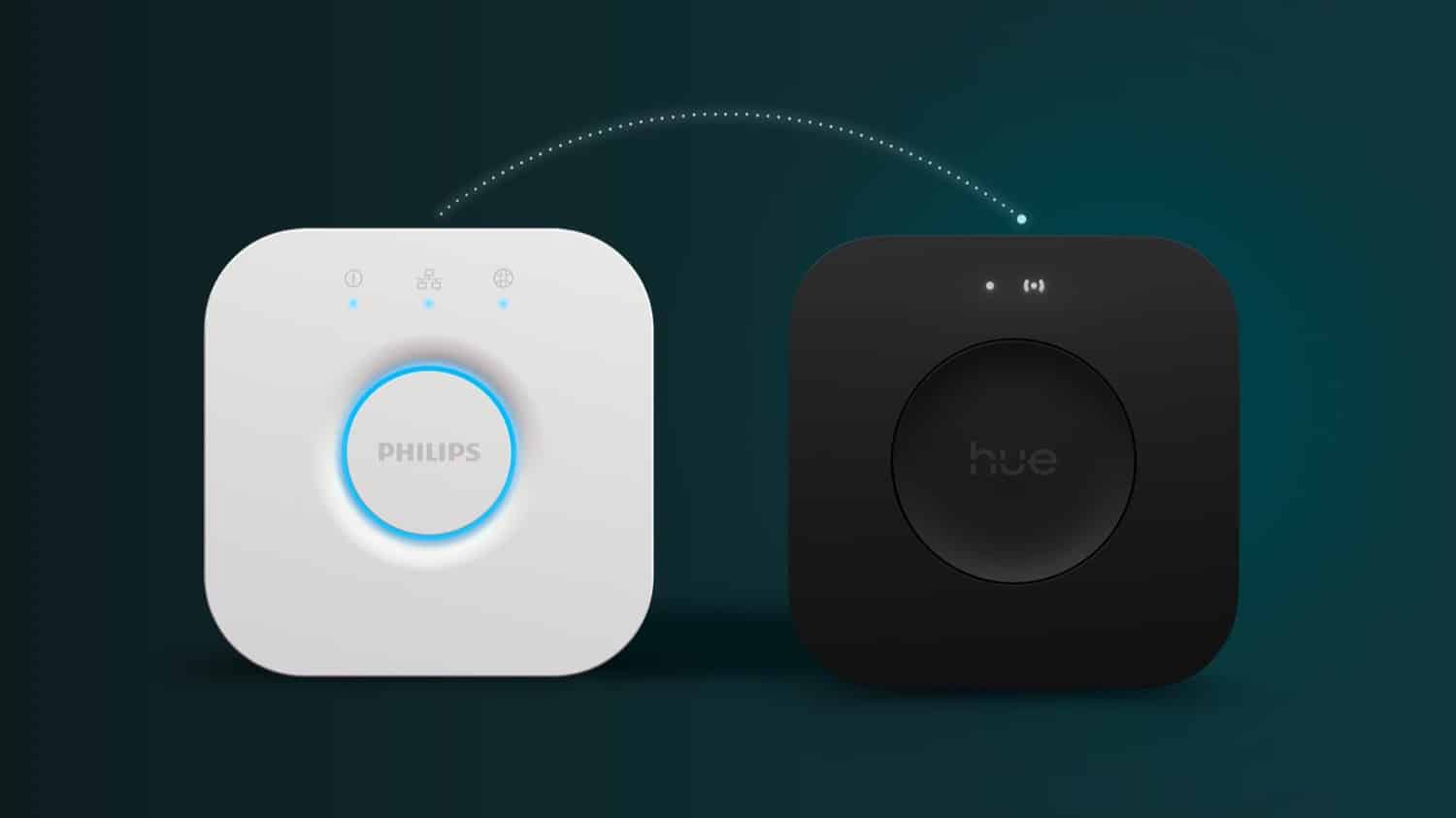
If you already have a Hue Bridge Pro in use, open the settings in the Hue app and select your Hue Bridge Pro. In the settings, there is now an option called “Migrate to this Bridge”. Use this menu item to select another bridge and start the migration wizard.
If you are only now switching to a Hue Bridge Pro, you will automatically be asked after migrating the first bridge whether you want to perform another migration.
Buy Hue Bridge Pro at a discount
If you have been waiting to purchase the Hue Bridge Pro until this feature became available, now is a good time to buy. Philips Hue is offering the Hue Bridge Pro at a discount as part of its Chistmans Sale promotion around the world. If you add another promotional item to your shopping cart alongside the Hue Bridge Pro on this promotion page, 30 percent will automatically be deducted from the price.
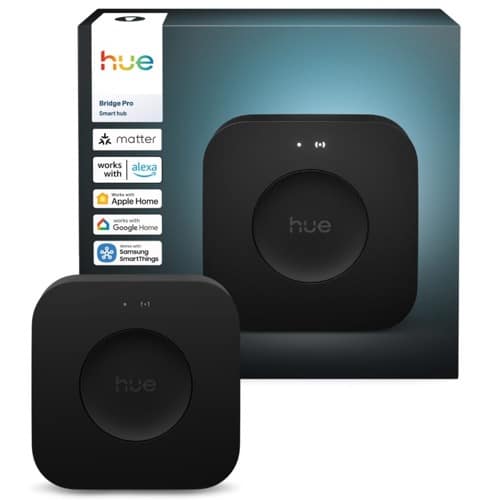
Hue Bridge Pro
$139.99 / €99.99

Still having trouble with my hue sync and bridge pro. Have you heard if they’ll be updating this?
I only had problems with 1 hue switch and 1 wall switch (had to reconnect). Process went smoothly to migrate and remove the 2nd bridge actually.
I don’t know why, but I like only having one bridge!
Updated ti Version 5.57.0 (22879) but still not seeing ability to merge second bridge…
It finally has the ability. I guess it took a day or two to update in the app. I migrated my second bridge, it took about 40 minutes and only 1 of my lights didn’t migrate but I had easy access to the QR code on it and added it manually.
DOWN TO ONE BRIDGE YEAH!
I’m using 5.56. The migrate to this bridge says that all data on the bridge pro will be deleted and replaced by the content of the bridge selected. So it’s not a solution. I contacted Hue support two months ago and they denied that migration of multiple bridges will be implemented.
Sorry, there was a type in the article. You need version 5.57, which was released on Tuesday.
Notizie sul back up del Bridge Pro, in caso di guasto futuro?
Version 5.56 and 5.57 gives the same message: Migrate to this bridge will delete current data in the bridge pro. This is not a solution to merge the data of multiple bridges into the bridge pro. Hue support told me to transfer each device one by one into the bridge pro.
Now there is new option to merge the data 👍👍👍
I’ve just transferred over data from four bridges. Took about two hours. An important note is that one of the original bridges must be selected as the “main” bridge, and it migrates pretty much everything from that. But, from other bridges, things like automations are not carried over, so I had to set all of those up again. However, scenes generally came across OK.
About 3 lights (out of 96) weren’t recognised, and a bunch of switches failed, but it wasn’t hard to set them up again. Pretty good success rate, IMHO.
Then had to add everything back into Apple Home, which took maybe an hour (each light etc took about 30-45 seconds), and reset automations there.
It seems to be working OK. There are some odd things – like I had coloured light automations where they would turn on as coloured, but are now turning on as white, and I can’t really work out why.
Things feel a little bit faster – not sure it’s super fast.
The one main advantage is everything on the one screen. Like, I can see all my switches etc in one go, which makes it a lot easier to check things like batteries. A secondary advantage is that my rat’s nest of wires for the four hubs is now MUCH cleaner.
Hi,
I migrated yesterday the second 2.1 bridge to pro 5.57. Involved 29 lamps a smart plug and some zones & rooms. Alle went very smooth and quicker that I had expected. Only 1 lamp remained behind. Easy to switch manually. One automation was missing and i had to recreate it. However, I had a difficulty to add the migrated lamps to existing zones. It was simply not possible. The work around is to create a new zone and add the lamps, and remove the old zone. This could be better!
Migration Experience: Philips Hue System → Hue Bridge Pro
Today I completed the migration of my Philips Hue setup, which consists of:
– 3x Hue Bridge v2
– 62x lights
– 4x motion sensors
– 29x Jung Friends of Hue switches
The entire system is also connected to Google Home Assistant.
Bridge 1
The migration of the first bridge was completely automatic, and all configurations were preserved without any issues.
Bridge 2
The second bridge kept all the scenes inside the Philips Hue app, but I had to manually re‑add all Jung Friends of Hue switches and reconfigure each button.
Bridge 3
The third bridge, which contained all the motion sensors, migrated perfectly and retained all settings.
Hue Sync Areas
All Hue Sync areas were preserved. I only had to select the new Hue Bridge Pro in the Hue Sync app for Windows, and everything worked flawlessly.
Google Home Integration
Google Home automatically recognized the new Hue Bridge Pro and added all the lights without requiring any manual intervention.
Time Spent
The initial setup of my entire system took me around 16 hours, mainly because I didn’t yet understand how the app worked and the Jung Friends of Hue switches required a lot of manual configuration.
In contrast, the migration to the Hue Bridge Pro took less than 2 hours from start to finish.
If you have non-Philips Hue lights or accessories connected to your old Philips Hue Bridge, you won’t be able connect them to Philips Hue Bridge Pro using Touchlink. For example for switches only 18 devices certified as “Works with a Hue switch” supported. Check compatibility before upgrade.