





 Fabian
When I got a chance to take a look at the press release shortly before the official presentation, Custom AI Behaviors didn’t really blow me away at first. I assumed it was just another one of those AI features that manufacturers build into their apps to keep up with the trend. But during the Hue event in Berlin, Philips Hue proved me wrong.
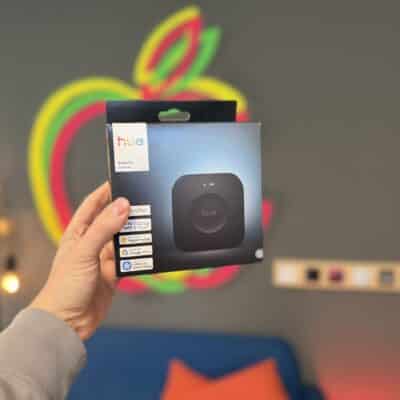
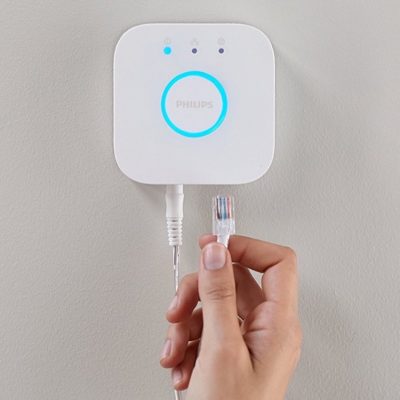
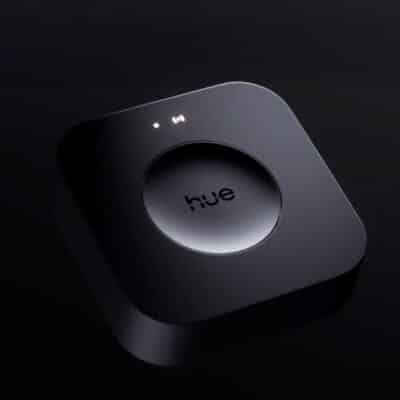
To sum it up briefly, I can already tell you this: Custom AI Behaviors will finally let you fully exploit the capabilities of the Hue Bridge Pro without having to resort to a third-party app. And in the end, even far more will be possible.
Custom AI Behaviors Bring More Variety
Want a quick example? For instance, you could enter the following command:
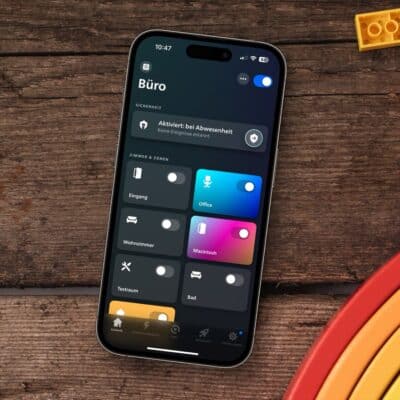
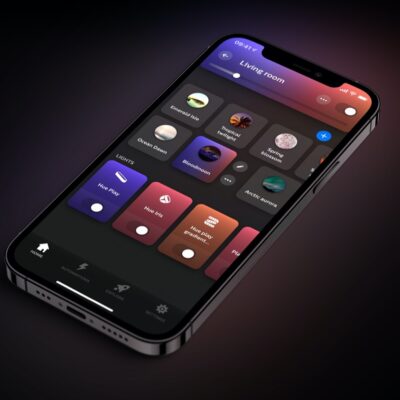
When the on button on the Hue dimmer switch is pressed after 8:00 p.m., activate a scene in the dining room and cycle through the Northern Lights, Soho, and Focus scenes with each press of the button.
But it goes even further: You can also create an automation that turns on specific lights at a certain time of day—while selecting a different scene from a selection of scenes each day. This brings significantly more variety into play.
In addition, you’ll be able to use accessories or features in ways that weren’t possible before. For example, different schedules for sensors and MotionAware on weekends or on specific days of the week.
The possibilities with the new Custom AI Behaviors seem nearly limitless. George Yianni, the inventor of Philips Hue, told me: “Everything the Hue Bridge Pro could only do in theory up until now will also be possible in practice with Custom AI Behaviors.”
When will Custom AI Behaviors launch?
We’ll just have to be patient a little longer, though. Philips Hue has already unveiled the new feature but hasn’t officially launched it yet. “Custom AI Behaviors will be rolled out as part of a software update for the Hue Bridge Pro in early October,” according to the official announcement. So it won’t be long now…

What I’d most like to see is the ability to adjust the transition time of scenes. For example, a “film has finished” scene that brings the lights up slowly and not in 400milliseconds which hurts! The Windows app Huetro for Hue will allow you to do that, but only with the square hub and not the Hue bridge pro (yet, hopefully).
HueDynamic is where it is at for that in 2026. It even has a REST API.
https://www.huedynamic.com
Exciting times. The new hardware and software makes me feel like going all-in Philips hue was a great idea. Now I only need good presence sensors (a partnership with Aqara maybe?)!