















 Fabian
A few weeks ago, Philips Hue introduced a new feature for its Hue Secure cameras. They can now detect smoke alarm alerts and switch on the lights accordingly. In this article, I will explain exactly how this works and what details you need to bear in mind.
These are the requirements for sound detection
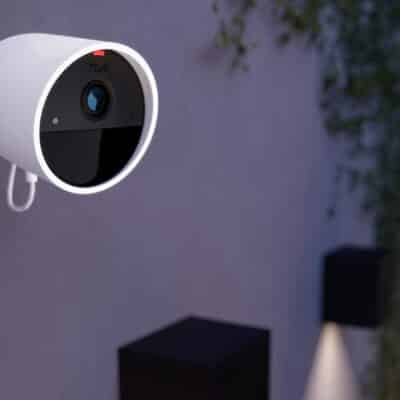
First of all, we need to check whether your Hue installation meets the requirements for smoke detector alarms. You will definitely need a wired Hue Secure camera, regardless of the generation. In principle, the Hue Secure Video Doorbell is also compatible, although this function is not necessarily intended for outdoor use.
A Hue Secure subscription must also be taken out for each camera that is to use the function. The price for a single camera is €3.99 per month or €39.99 per year. Up to 10 cameras are included in the Plus subscription for €99.99 per year.
I admit that I find it a bit of a shame that such a security-related function is hidden behind a paywall. At the end of the day, this is not about convenience or a certain extra, but about human lives in case of doubt.

How Hue Secure detects an activated smoke detector
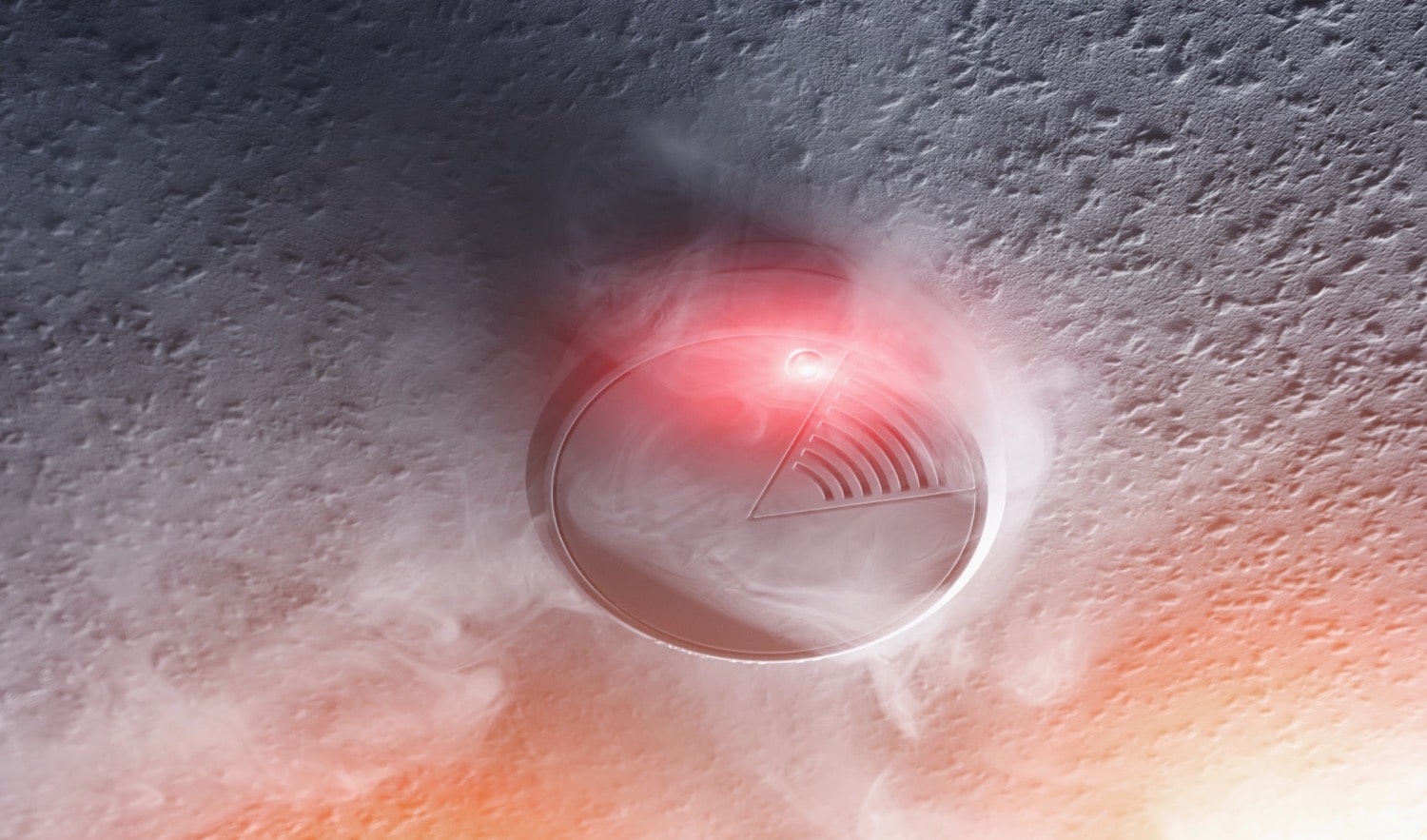
The powered Hue Secure cameras are permanently on alert. If they detect a T3 alarm pattern (three beeps followed by a pause) from smoke detectors or a T4 alarm pattern (four beeps followed by a pause) from CO detectors, the internal alarm is triggered. The sound processing takes place locally on the camera.
This is what happens in case of danger: The camera immediately starts recording. You will also receive a push notification on your smartphone. More importantly, however, all lights in the house are switched on. Non-colour-capable lights glow warm white, while colour-capable lights glow red. Why red? Especially in smoke-filled rooms, this is supposed to provide better visibility than white light.

What I find very practical is that you don’t have to configure or select anything – all the lights in your home are included immediately. In the event of a false alarm, there is a switch on the Hue app’s home screen that allows you to return to the previous light setting.
Fortunately, I haven’t had to test a real alarm yet. Nevertheless, I have already tested the function for you with a virtual smoke alarm. I noticed that the Hue system reliably and quickly detects the triggered alarm with the help of the Hue Secure camera. My two HomePods, which are located in the same room, only reported an alarm much later.
Keine Produkte gefunden.




I would prefer if they created a real smoke and CO₂ detector as part of the security system. I already have a doorbell and a wired outdoor camera. But if I want to make use of the security features, I have to buy a third camera and subscribe to a plan, which isn’t cheap to begin with.