













 Fabian
Philips Hue announced it at the beginning of the year, and with today’s update, it’s finally here. The Hue AI Assistant is now available not only in English, but also in German, Spanish, and Dutch. After updating the app and possibly updating your Hue Bridge (Pro), you can get started right away.
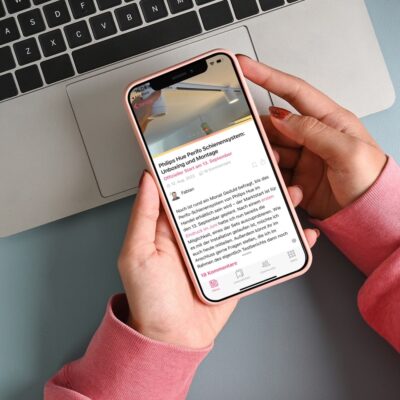
You can access the Hue AI Assistant directly from the Hue app’s home screen. It can be found there via the small round icon in the lower right corner, exactly where the search function was previously located. But what can you actually do with this AI tool?
What the Hue AI Assistant can do
Instead of clicking through menus or apps, you can simply describe what you want: whether it’s the right lighting scenes for a cozy evening, a focused working atmosphere, or completely new, individually created scenes – the AI understands your wishes and implements them directly. You can either type or communicate with the assistant using your voice.
But the Hue AI Assistant can do more than just turn on the lights. It also helps you create complex automations by explaining in natural language what behavior you want. The suggested automations can of course be customized to your liking before you activate them.
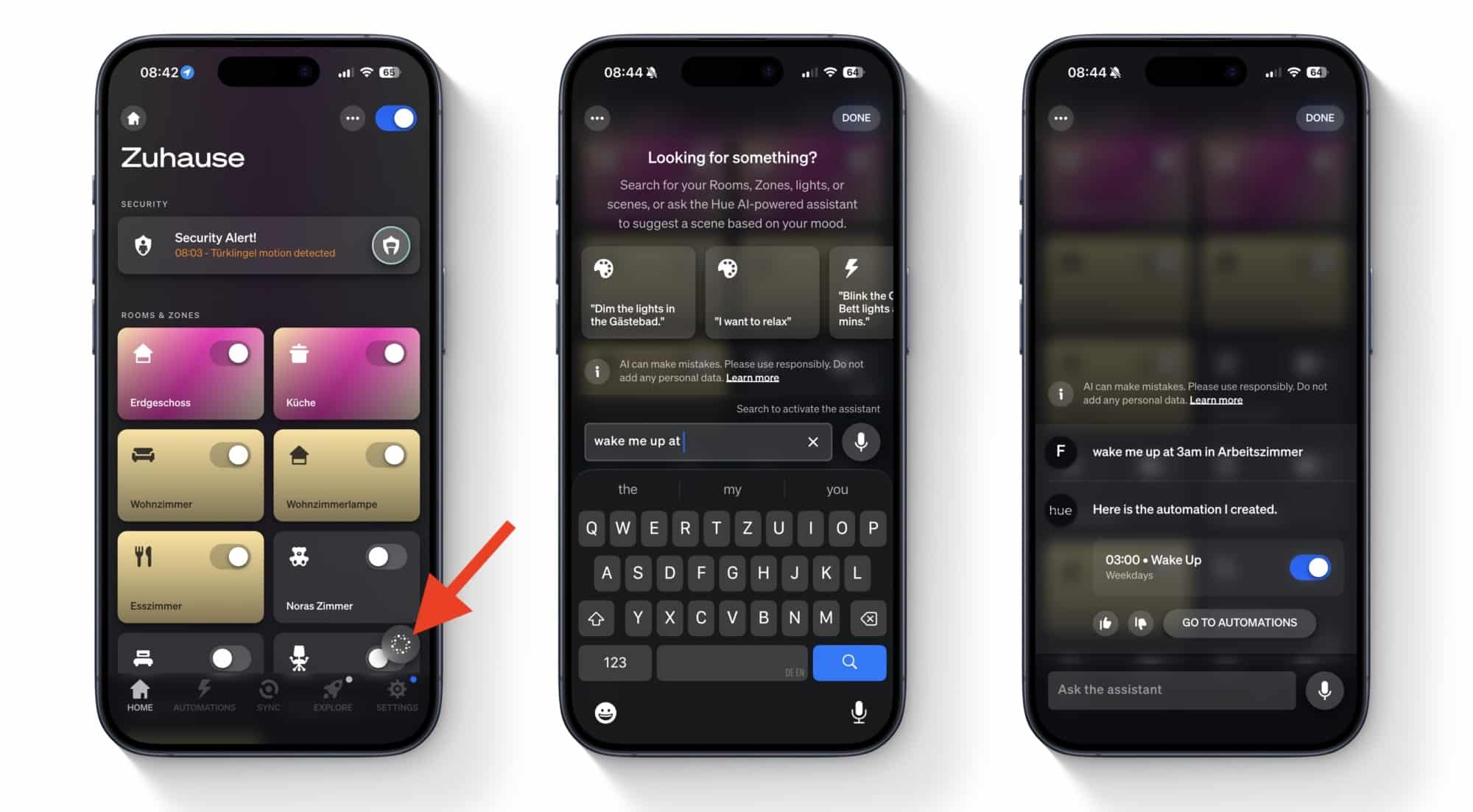
Just give it a try. If you no longer want to use the AI assistant, you can open it, tap on the three dots in the upper left corner, and deactivate it.
More new features for the Hue Secure Video Doorbell
Version 5.60.1 of the Philips Hue app also includes new features for the Philips Hue video doorbell. You can now create detection areas for the motion detector and also specify what kind of movement should turn on the light—for example, only people or vehicles, but not animals or other people. You can also now adjust the sound that the doorbell itself plays outdoors when pressed. More on this in the coming days, as I am currently unable to discover these two features myself.


This update sounds very useful for everyday Hue users. The explanation of how the AI assistant works is clear and easy to follow. I like how voice and text control are both supported which helps different users. The part about creating automations with natural language is especially helpful. It would be nice to see some real examples of automations in future updates. More screenshots could also help new users understand the features faster. The added video doorbell motion settings are a strong improvement for security focused users. Overall this article clearly shows how the update improves smart lighting control and convenience.
Hi
Does anyone know when the AI assistant will be available in Danish?
Best Regard