














 Fabian
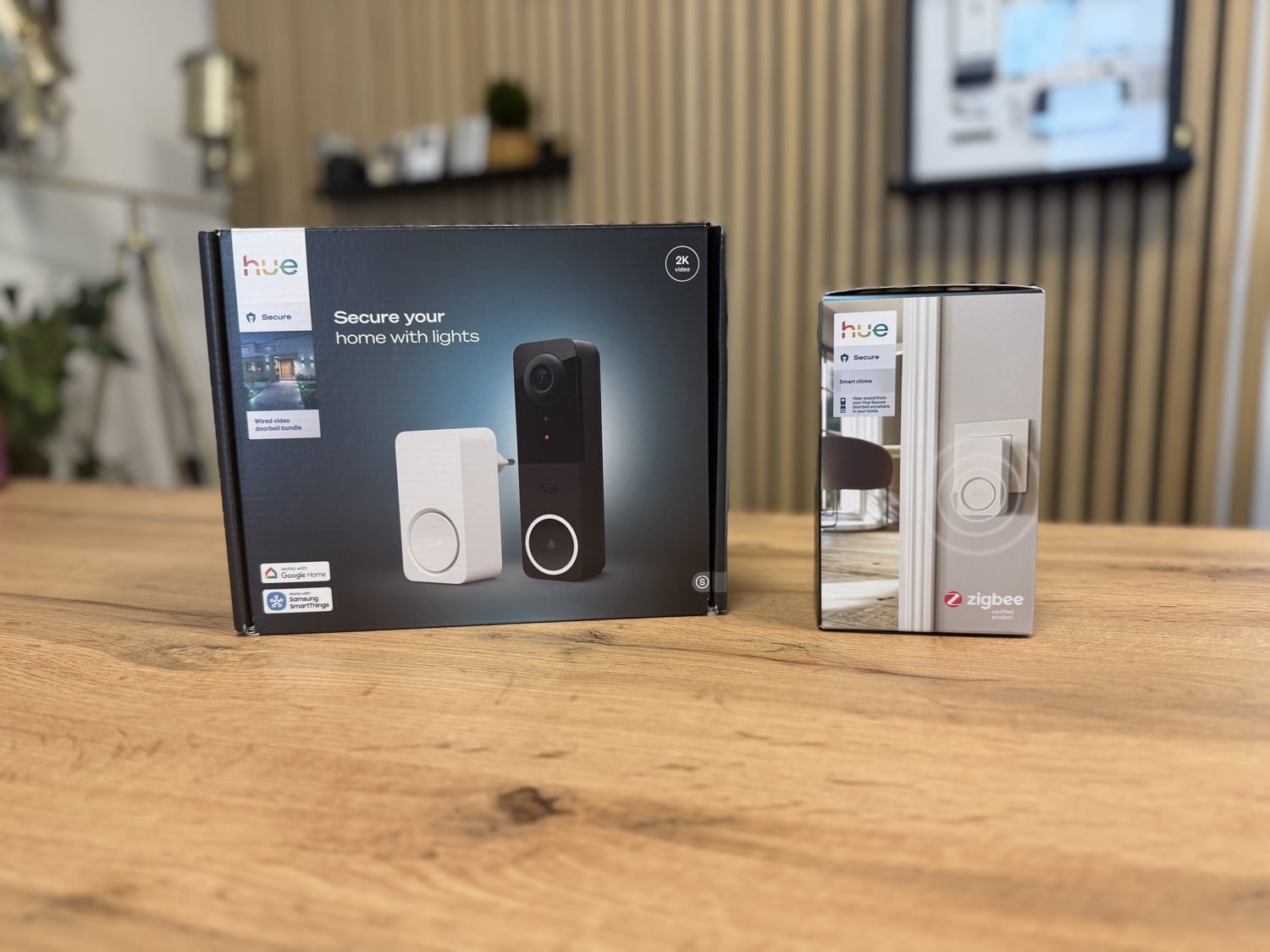
The Philips Hue Secure video doorbell, which was launched last autumn, has learned something new. Following the app update to version 5.60.1, two new features are now available that actually have a significant impact on everyday life. You can customise the doorbell button sound and set your own trigger areas and options for the integrated motion detector. I’ll explain exactly how this works in this article.
How to adjust the sound when pressing the Hue Secure Video Doorbell
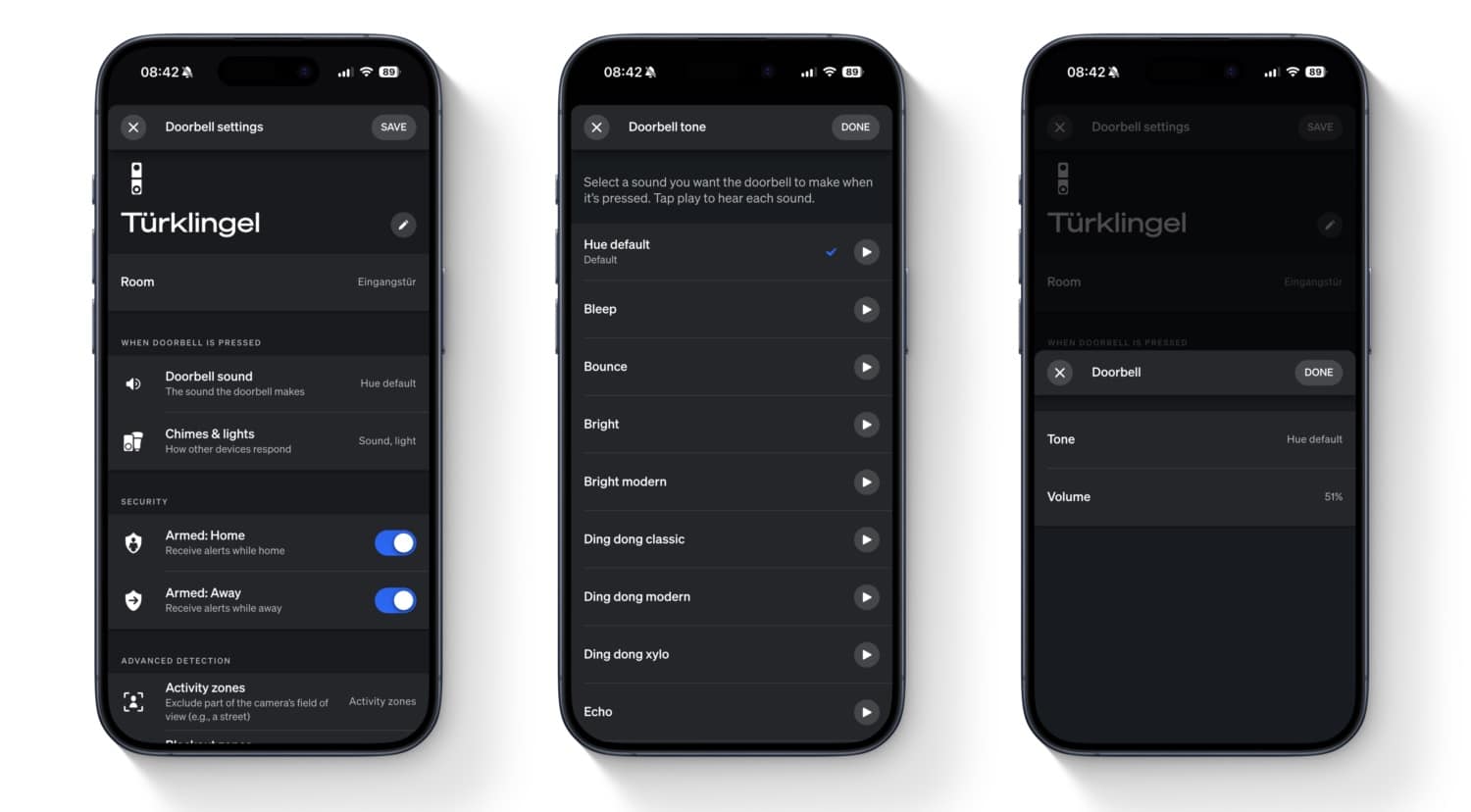
I have actually been asked about this topic several times in recent months. After Philips Hue had already been automatically activating the LED ring around the doorbell button for some time when someone approached, there are now additional options for the actual button press. Previously, a standard sound was always played at a fixed volume.
Following the recent update, there is a new menu item in the doorbell settings: ‘Doorbell sound’. Here, you can not only select one of the sounds provided, but also freely adjust the volume.
I would like to see seasonal sounds, for example for Halloween or Christmas. Fortunately, there is still some time until then.
Set trigger area for detected movement
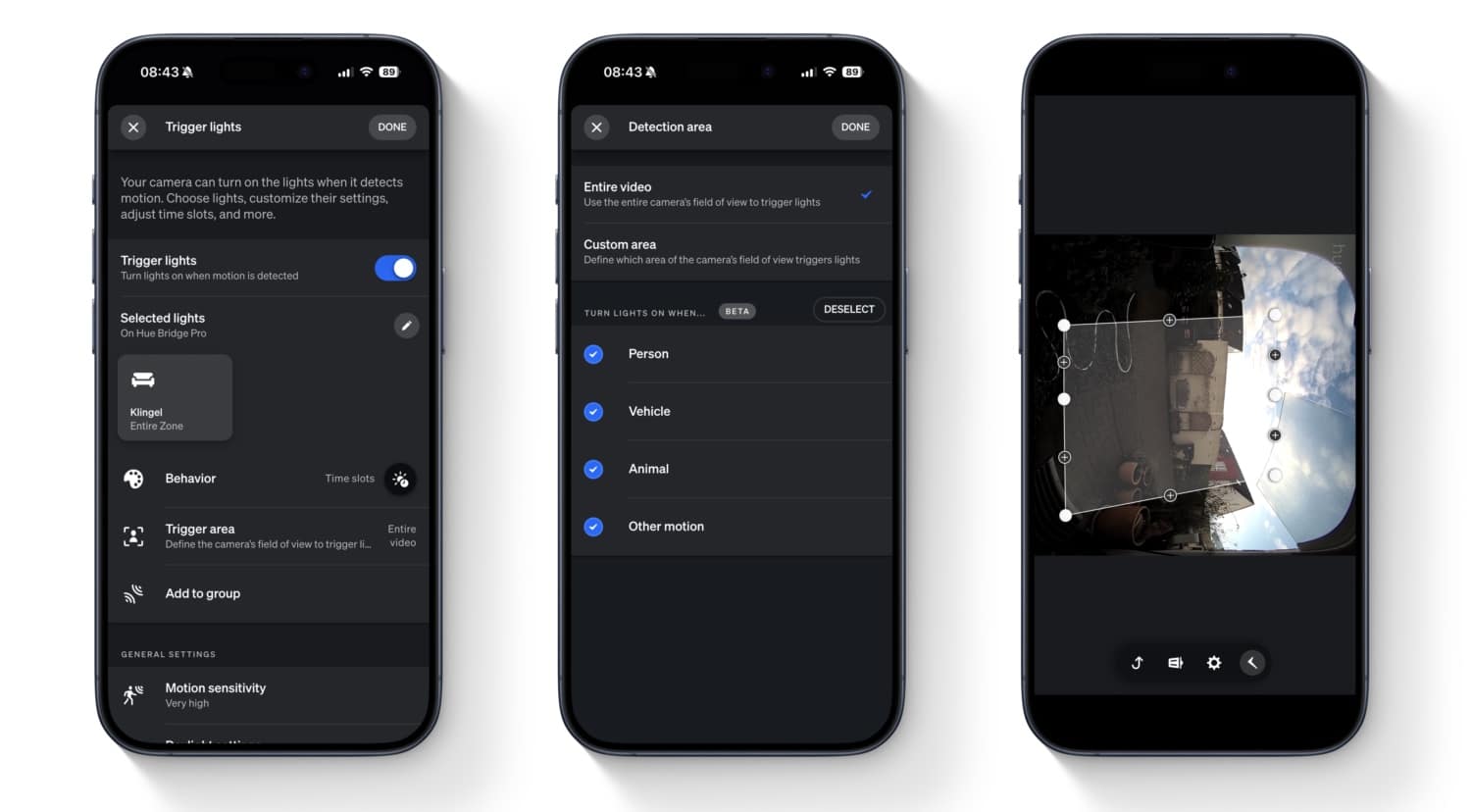
As you know, the Philips Hue Secure video doorbell can already switch on lights when movement is detected. You can now define this behaviour in more detail. In the ‘Trigger lights’ section, there is a new menu item called Trigger area. There you can define an area in the camera image to which motion detection should be limited. You can also limit motion detection to people, vehicles, animals or other movements.
Depending on your local conditions, this setting can be really valuable. Feel free to write in the comments if you find it useful.
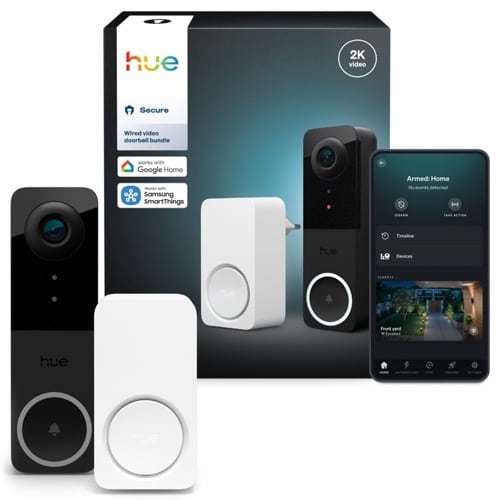
Hue Secure Video Doorbell
$199.99 / €199.99

Please let the trigger area feature come to the secure cameras also. Without it the trigger lights is useless for me. – and with it it woukd be amazing.
Also any sign of an always active mode so that we get recordings saved if the alarm.l isn’t set? This is currently making the cameras very low value vs google cameras
Hey, you can set the doorbell to “Active at Home”. You will not get alarms then, but every movement is recorded silently in the background.
Ok great, thanks. I still have google doorbell so not seen this option yet. Will the hue video cameras also get this feature sometime? I would like my cameras to record activity always and never alarm (contact sensors are the only ones reliable enough for no false alarms).
Hello – Has anyone had success in getting the Hue Door Bell to trigger ‘Someone is at the door’ though Amazon Alexa? I can see the door bell and video feed in Alexa, and Alexa says its set ups or door bell notifications, but nothing comes through.