






 Fabian
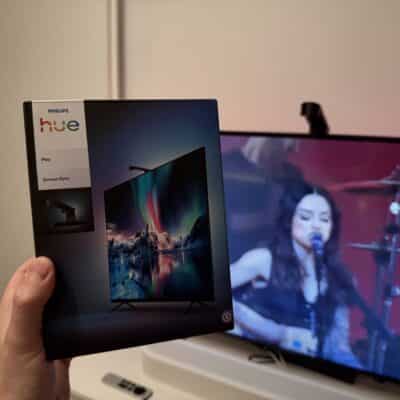
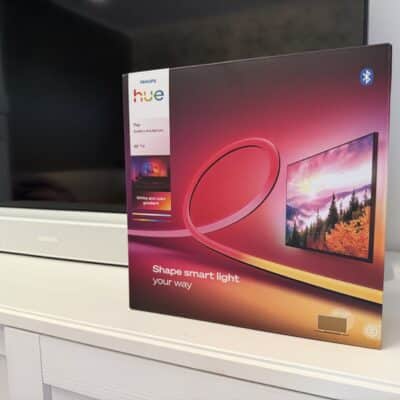
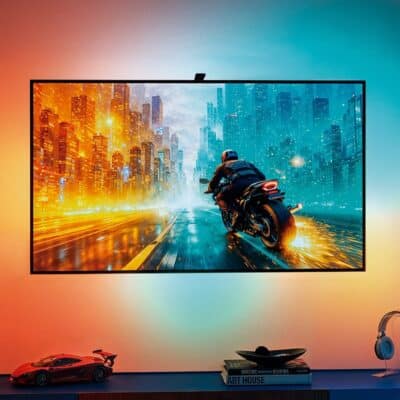
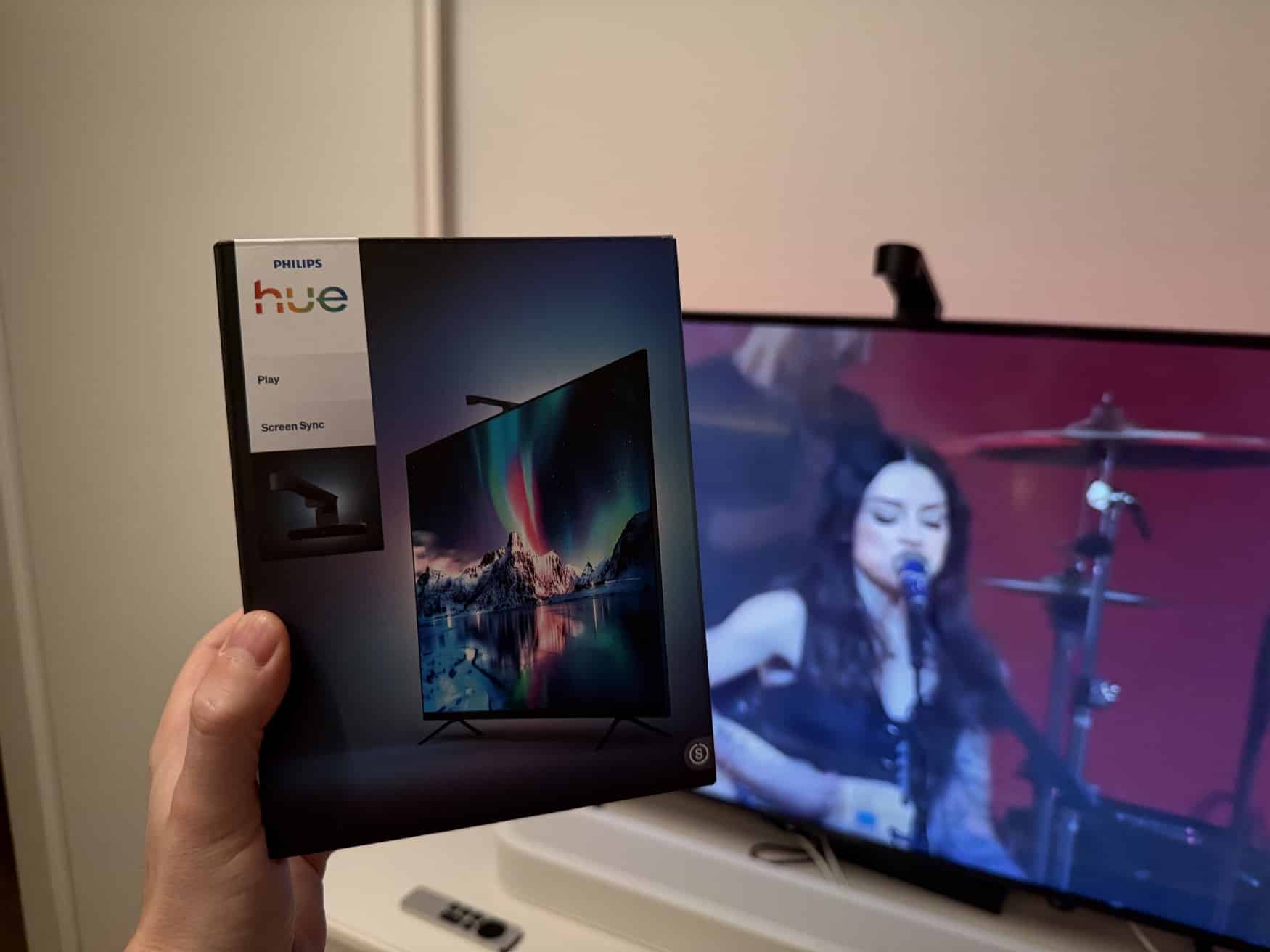
A few days ago, I took a detailed look at the Philips Hue Play Gradient Lightstrip Pro, designed to be mounted behind the TV. Today, we’re taking a look at the next new gadget the manufacturer launched in September. With the Philips Hue Play Screen Sync, there’s now also a camera that can be used to detect what’s on the screen and then control the lights accordingly. The Hue Play Screen Sync costs 119.99 euros.
Let’s first take a look at the alternatives. The more expensive Hue Play HDMI Sync Box 8K is primarily aimed at console gamers or households with multiple HDMI devices. The new Hue Play HDMI Sync Box 4K costs 149.99 euros and works with a single HDMI device. Neither model can process internal TV sources. This, in turn, is possible with the Hue Sync TV app, which is, however, only available for newer Samsung and LG TVs. From a conceptual standpoint, the Hue Play Screen Sync TV camera certainly has its place—because it doesn’t matter which TV it’s plugged into or what content you’re watching.
Installing and Setting Up the Hue Play Screen Sync Camera
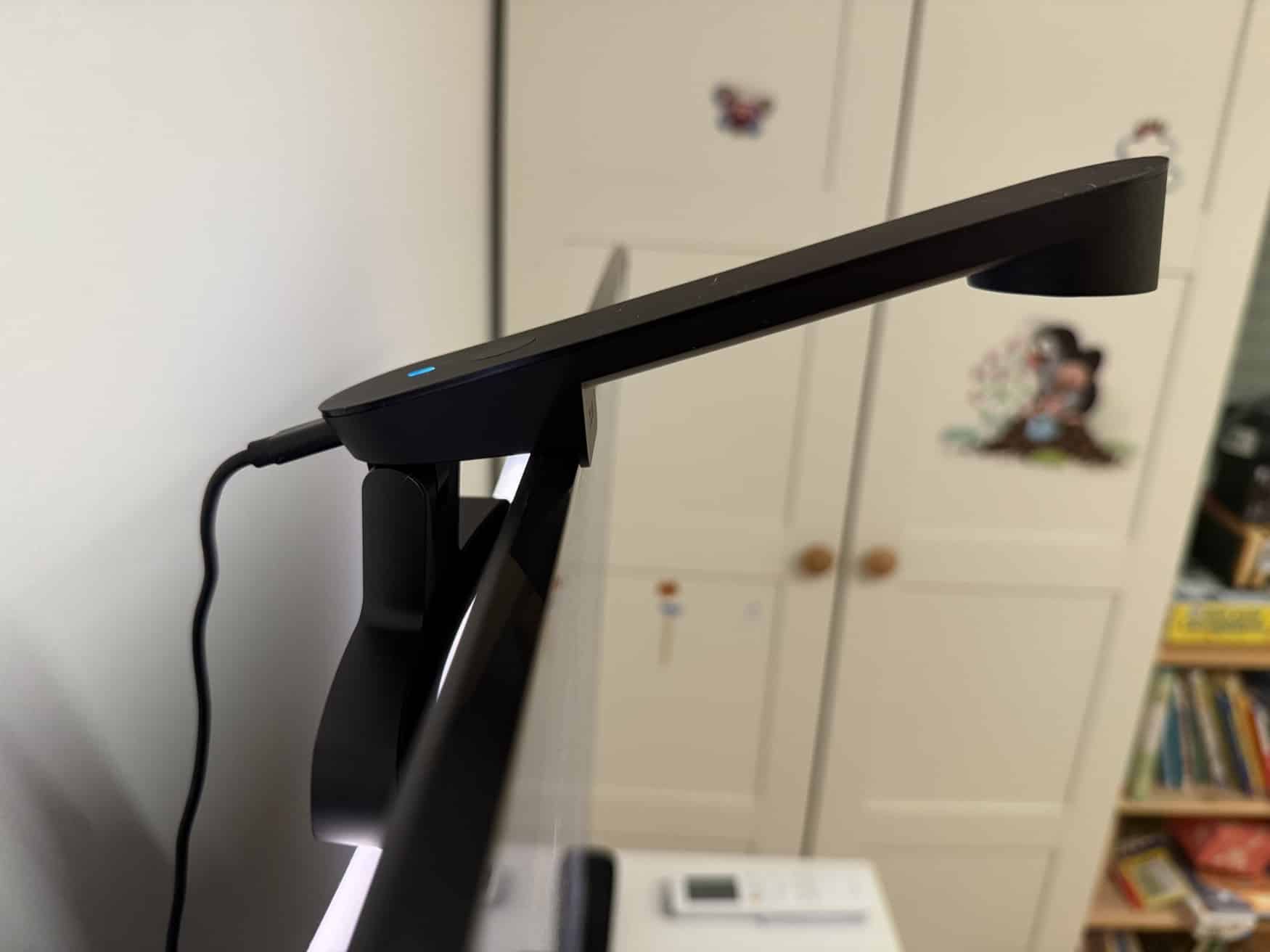
Setting up the new gadget is incredibly simple. After unboxing, connect the approximately two-meter-long USB-C cable—along with the small power adapter—to an outlet near the TV. The Hue Play Screen Sync camera simply clips onto the top of the TV and stays in place without adhesive strips or screws—as long as you don’t jiggle the TV too much.
In the Hue app, you simply add the TV camera as a new device using the QR code and are then guided through the setup process, which includes establishing a Wi-Fi connection and pairing it with the Hue Bridge (Pro). The most important step here is calibrating the camera: you need to mark the TV image. For me, this worked completely automatically on the first try.
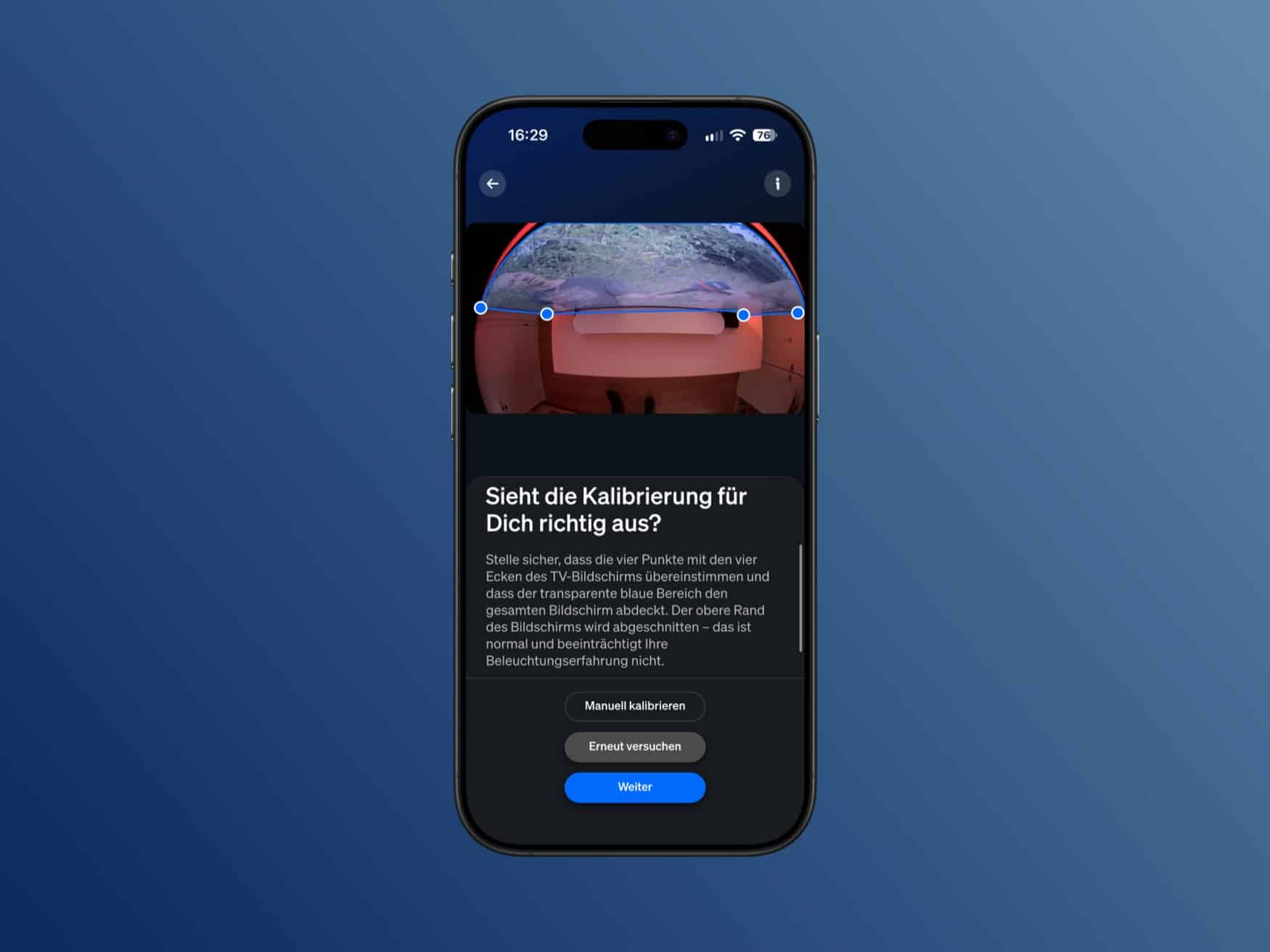
In the final step, Hue Play Screen Sync is then connected to an entertainment zone. Just like with all other Sync products, you can control up to 10 lights distributed throughout the room—not just the light strip behind the TV, but also other color-capable Hue lights.
These points left me a bit underwhelmed
Besides the low price, the big advantage is certainly the fact that the Hue Play Screen Sync TV camera works with all types of content. Whether you’re watching traditional cable TV, connecting a console, using built-in smart TV apps, or streaming content wirelessly to the TV, the TV camera doesn’t care at all. Actually, that’s pretty awesome.
However, we also need to talk about some downsides. One example is the TV camera itself. The device definitely looks like a foreign object on the TV—something you have to get used to at first. In my opinion, though, a much bigger drawback is that synchronization doesn’t start automatically. When you turn on the TV, you have to either press the small button right on the Hue Play Screen Sync or start the sync via the Hue app. And then stop it again when you’re done.
Hue Play Screen Sync vs. Sync Box: A Direct Comparison
What I found even worse, though, was the quality of the lighting effects. In a darkened room with no external light sources (which can also affect detection), the differences between the Philips Hue Play Screen Sync TV camera and the Philips Hue Play HDMI Sync Box 4K were striking. Just take a look at the two images of an identical scene.
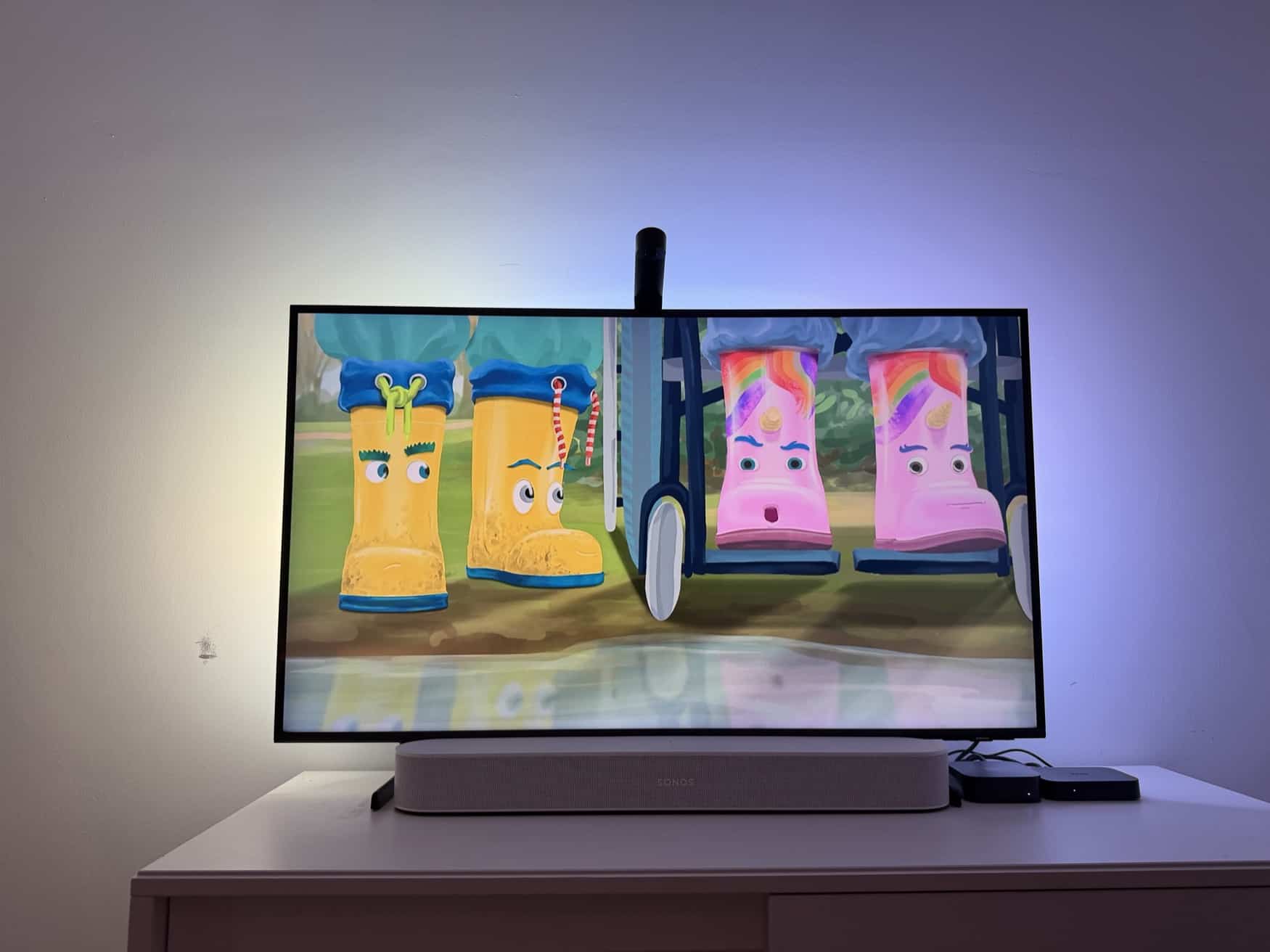
In the first image, Hue Play Screen Sync is responsible for the colors. The entire right side and two-thirds of the top are dominated by light blue, while yellow takes center stage on the left.
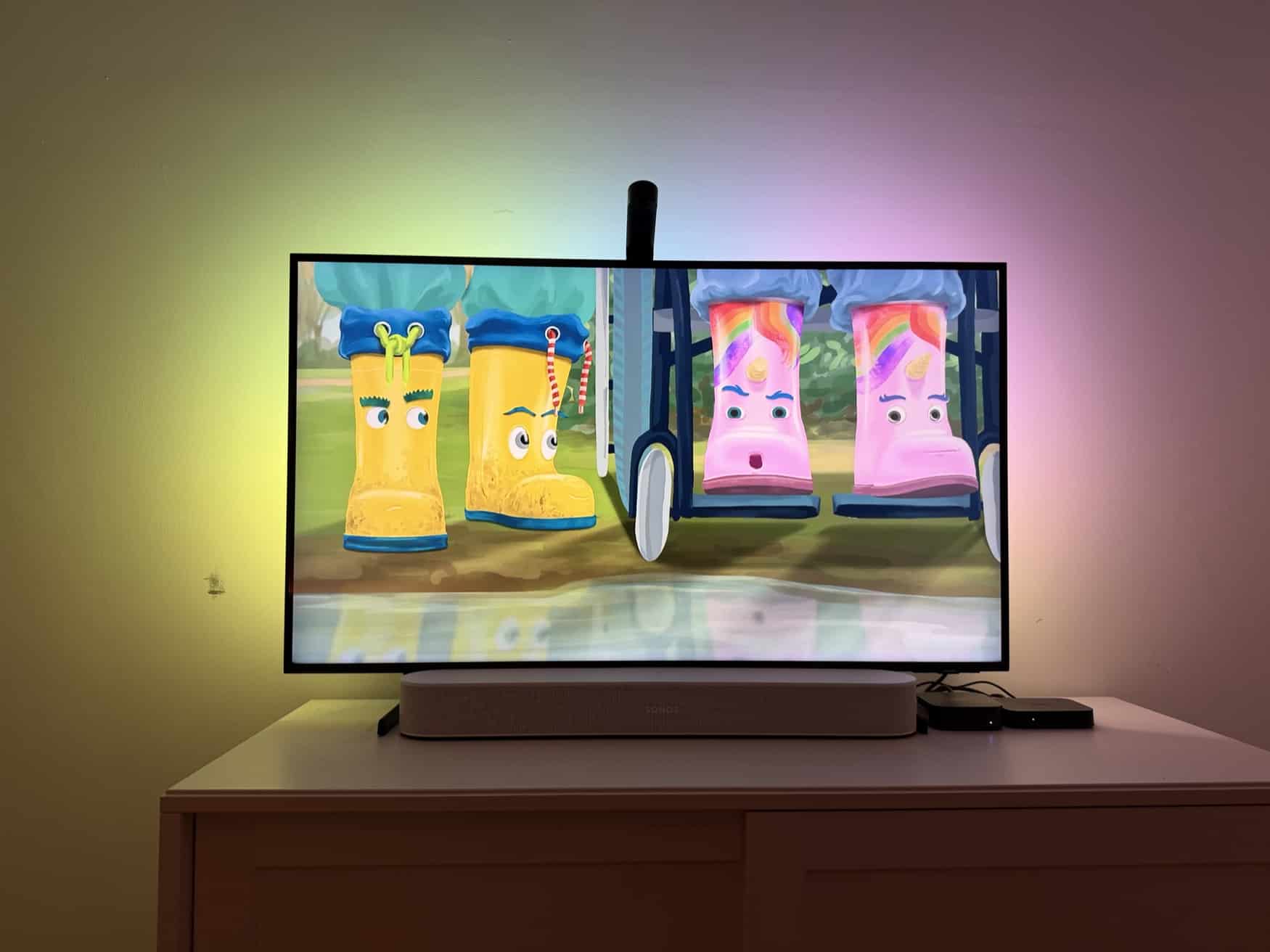
In the second image, we see the new HDMI Sync Box 4K in action. Here, four—if not five—different colors are visible, and they shine much more vividly—even with the same intensity and brightness settings.
A clear verdict on the new Philips Hue TV camera
I liked the sync effect with the classic Philips Hue Sync Box far better. The official price difference of 30 euros should definitely not be a factor here.
At the end of the day, I see only one reason to opt for the Philips Hue Play Screen Sync TV camera: you mainly use your TV without external HDMI devices, and it’s not made by LG or Samsung (meaning it doesn’t support the Sync TV app). In all other cases, Hue Play Screen Sync stands absolutely no chance against the other solutions when it comes to color quality, visuals, and ease of use.

Hue Play Screen Sync
$119.99 / €119.99

