












 Fabian
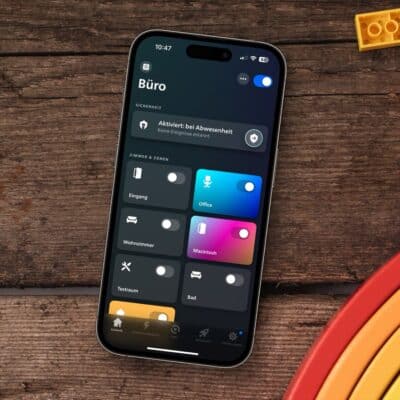
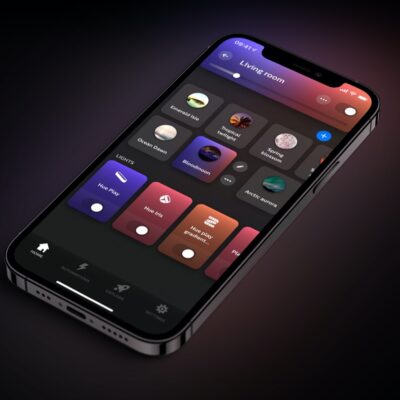
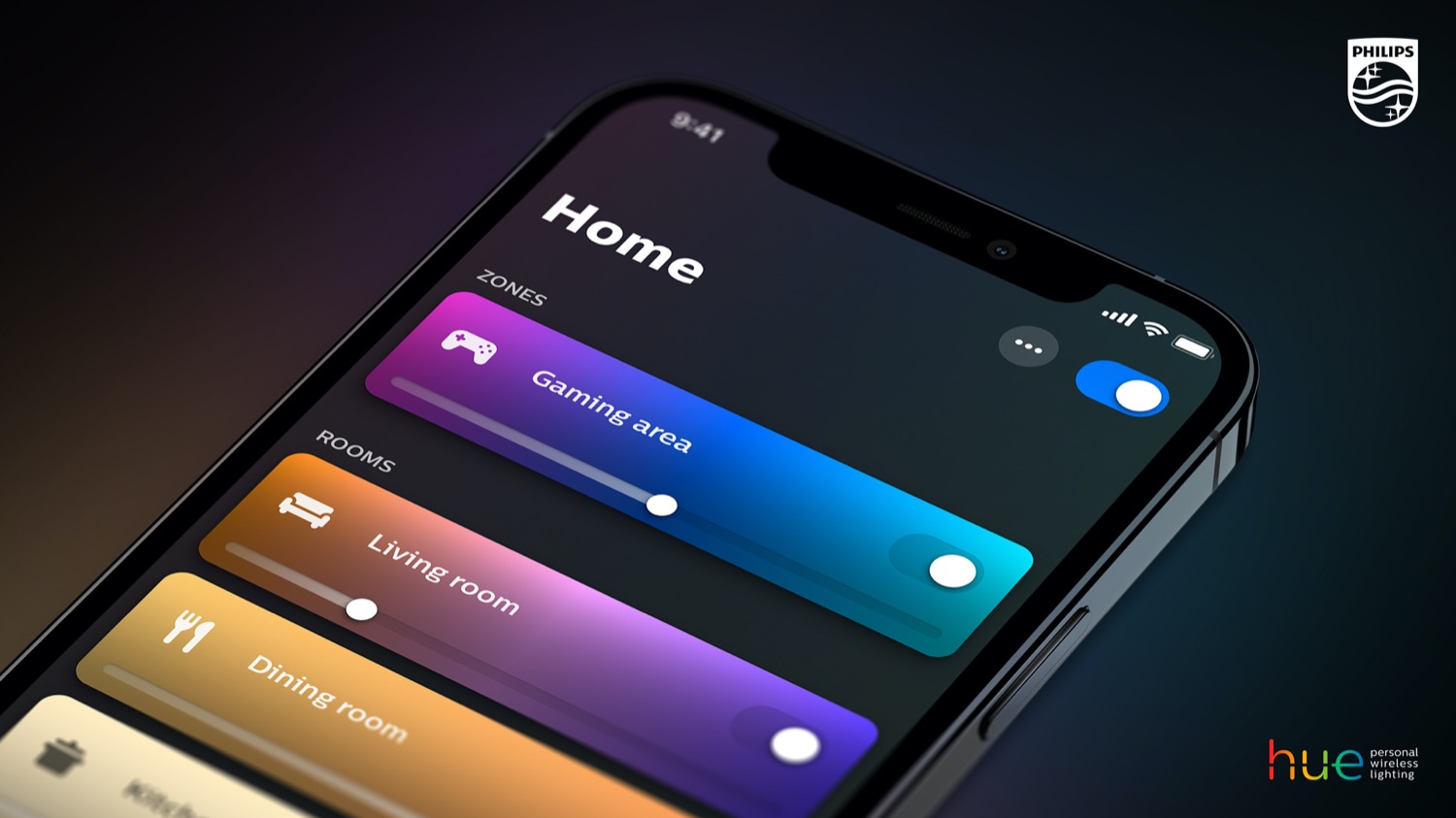
Philips Hue continues to release updates every two weeks on the Apple App Store and Google Play Store. Version 6.3.0 of the official app for iPhone, iPad, and Android devices has been available since yesterday evening. A new option for sensors has been added, which I’d like to explain to you in more detail, of course.
Let’s first take a look at the official update description. Here’s what Philips Hue says: “Added the ability to trigger a scene when motion stops being detected by a motion sensor, camera, doorbell, MotionAware area, or sensor group.” With this new feature, a specific scene can be activated as soon as a sensor no longer detects any motion in a room or zone.
Previously, the Philips Hue app only offered the options to turn the lights off after a selected duration, do nothing, or return to the previous state. Now, a fourth option—selecting a specific scene—is also available.
Feature will likely be rolled out in the coming days
Even though the new feature for motion sensors, cameras, and similar devices is mentioned in the update description, I can’t see it yet—at least not on my Hue Bridge Pro or in the Hue app. I expect the update to be rolled out automatically in the coming days and will then become visible in the settings.
It’s not the only feature that’s taking a while to arrive. Custom AI Behaviors, which are expected to open up many new possibilities with the Hue Bridge Pro, were actually announced for early October. Unfortunately, Philips Hue hasn’t been able to meet that timeline. As soon as there’s any news on this, you’ll of course hear about it here on the Hueblog.


Hmm, “selecting a specific scene”!? 🤔💭 What is the use case for this?
When would one want to “return to” a “scene“ – that is different from the lights state before motion was detected (i.e. use case “return to the previous state”) – as soon as motion is no longer detected?
Few use cases to mind. You could set a special scene that would serve as an at a glance indication that movement was detected in a given zone.
Or you may want to set a scene with lights being dimmed instead of being completely off or at a full brightness.
Both are rather niche though.
I’d rather have this; when i enter a room and the sensor detects my presence it obvious turns the lamps on. But then i change the scene by pressing for example on a hue dimmer switch to alter the lights. But because the sensor was triggered the triggered lamps will turn of.
So here is what I want to see:
Sensor behavior: when triggered lamps are changed after turning on by sensor don’t touch. Else power off.
In essence don’t touch lamps when changed in de sensor timeframe