












 Fabian
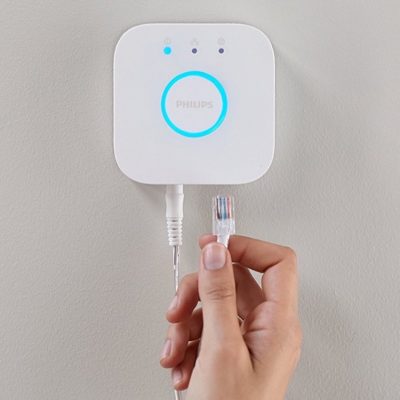
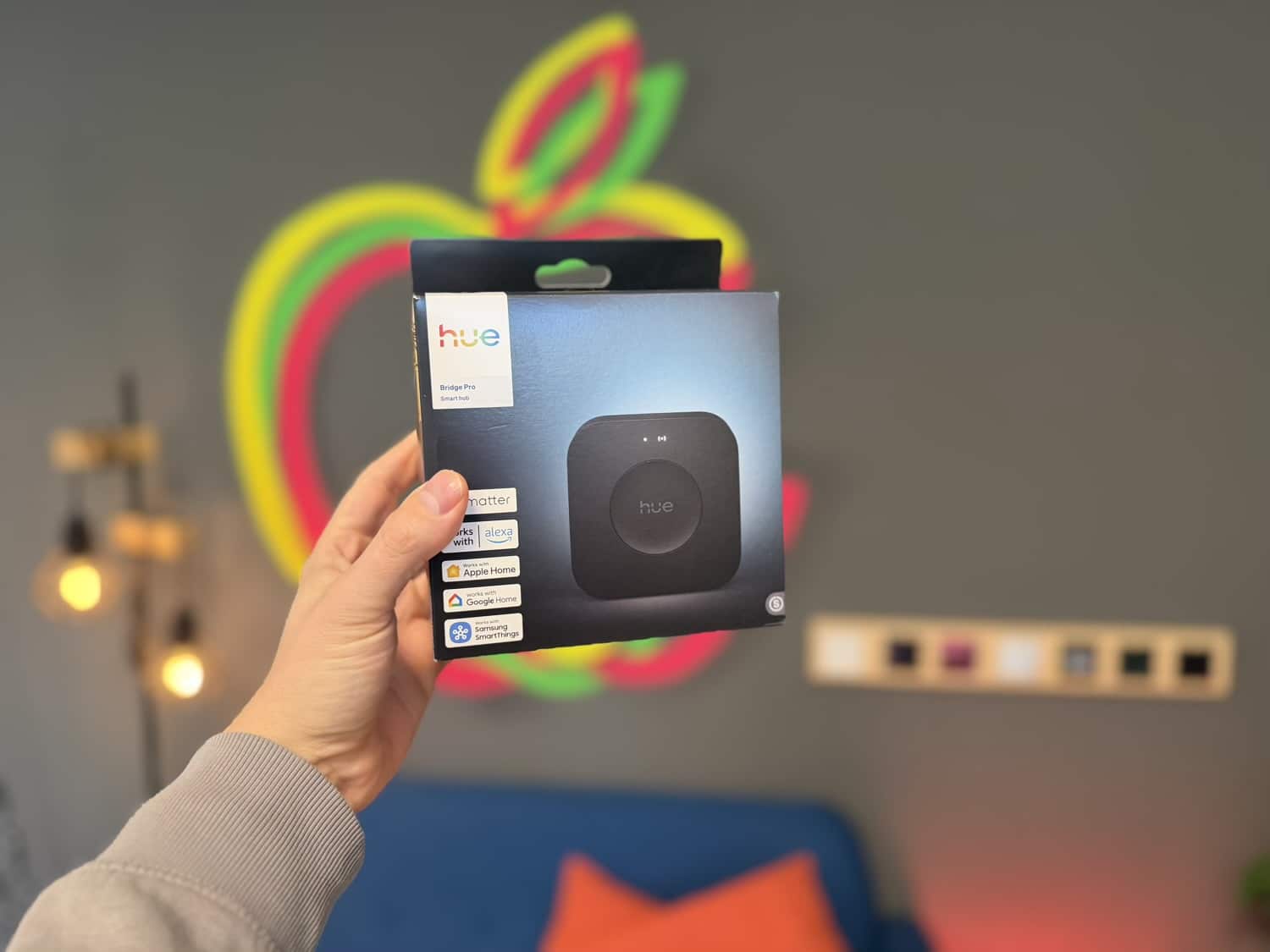
Philips Hue has once again released updates for its in-house app and for its control hubs. Updates are available for both the Hue Bridge Pro and the second-generation Hue Bridge. But let’s start with a quick look at the App Store.
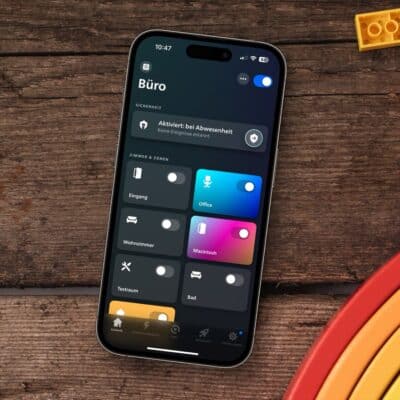
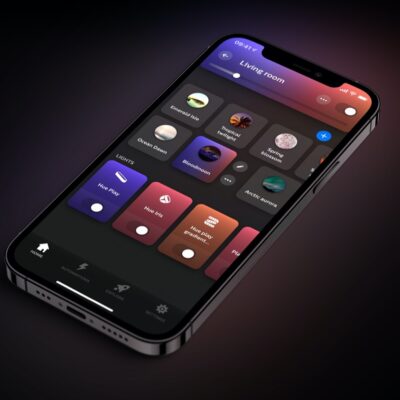
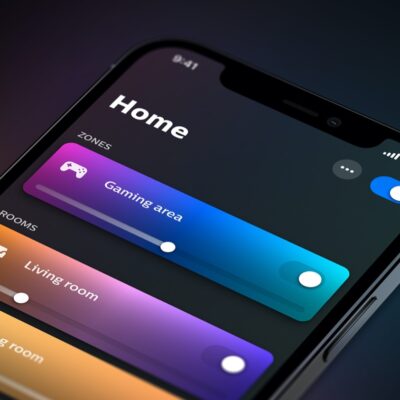
Version 6.2.0 has been available for download this week in both the Apple App Store and the Google Play Store. It’s a rather uneventful update, as the description simply states: “Various bug fixes and stability improvements.” I haven’t noticed any changes or adjustments in the app. If you notice anything, I’d love to hear about it in the comments.


The rollout of new firmware for the Hue Bridge and Hue Bridge Pro has been underway since September 24; by now, the new version should have reached you as well. What’s particularly noteworthy is the more consistent numbering of the software versions.
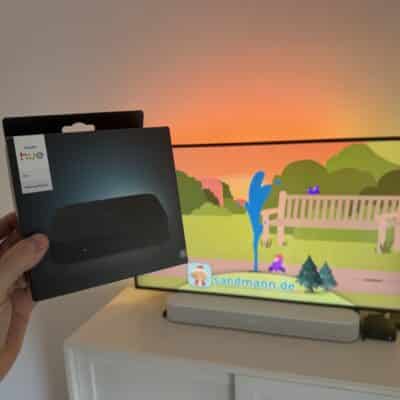
For the Hue Bridge Pro, the version number has been updated from 1.79.2071476020 to 6.1.2071524030. It now starts with a 6.1, which aligns much better with the current app version.
In addition, the Philips Hue control hubs are being prepared for a feature introduced with this very version 6.1 of the Hue app: “All buttons on every switch now support the same functions. You can trigger scenes by holding down a button, start dimming using any button, and much more. Options that were previously limited are now available for all buttons,” the description states.
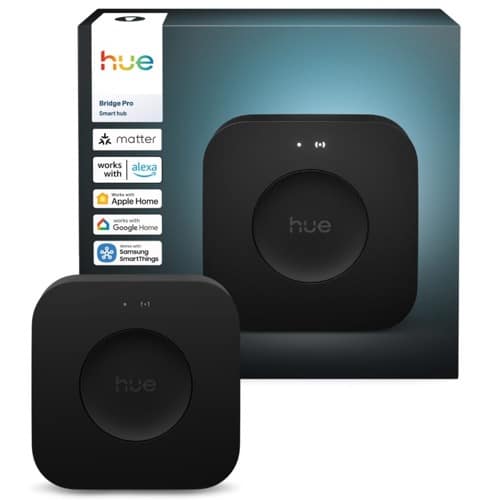
Hue Bridge Pro
$139.99 / €99.99

There seems to be a problem in the latest version of the app / Hue bridge pro firmware that causes an “Update your Bridge Pro” loop when trying to migrate a Hue bridge to the Hue bridge pro.
See also:
Bridge Pro migration stuck in “Update your Bridge Pro” loop – Hue Support confirms known issue
https://www.reddit.com/r/Hue/comments/1wwgu4c/bridge_pro_migration_stuck_in_update_your_bridge/
I’m currently experiencing the exact same problem.
JFYI, this seems to be fixed now, in firmware version “6.1.2071524040” (Pro)
This update fixed an error I kept having on my new Pixel 11 phone, where the app would crash anytime I tried opening the Hue Scene Gallery.