






 Fabian
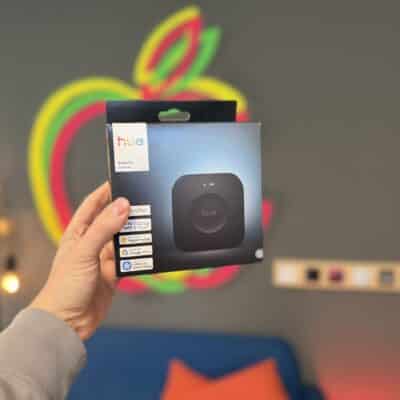
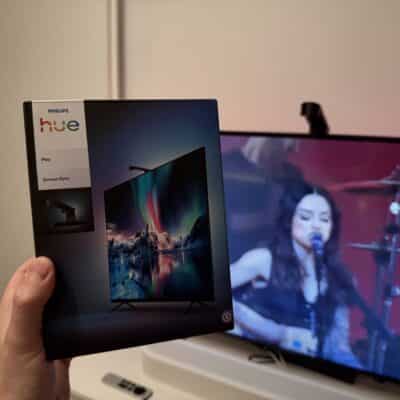
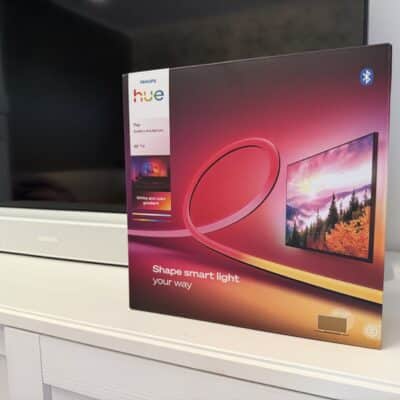
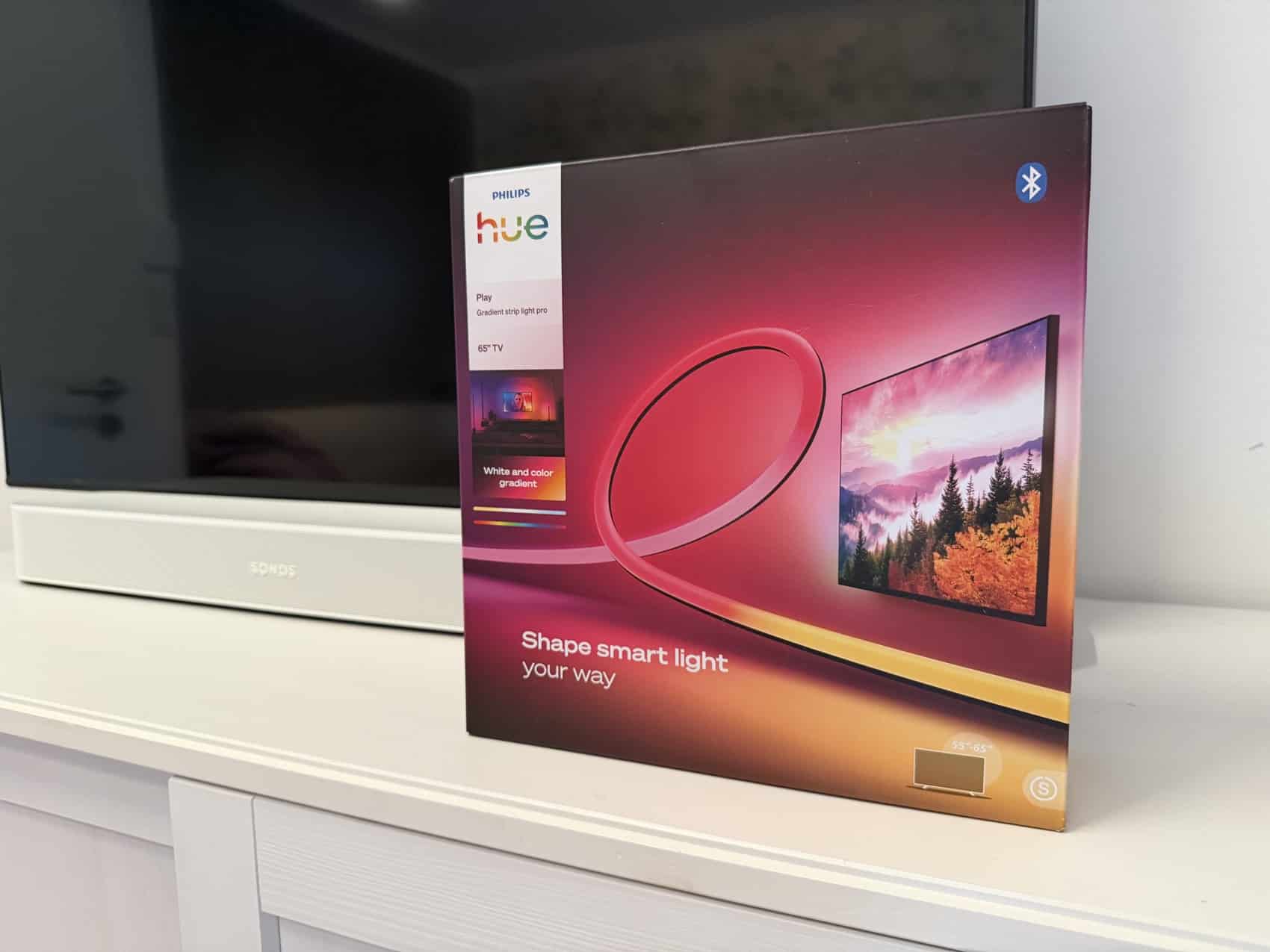
Earlier this month, Philips Hue unveiled two new light strips for TVs: the Hue Play Gradient Lightstrip (buy now), based on the Flux light strip, and the Hue Play Gradient Lightstrip Pro (buy now), based on the OmniGlow light strip. I’ve already taken a look at the Pro version and tested it on my TV. I’ll summarize my findings for you in this article.
The new lightstrips are compatible with significantly more TVs
The previous Philips Hue TV lightstrip was designed for TVs between 55 and 75 inches. A few inches more or less was still possible. However, it became problematic with TVs 85 inches and larger, as well as with smaller screens, such as the 43-inch TV in my bedroom. Until now, there were no options for these.
With the two new lightstrips, things are different. They’re available in both 65-inch and 85-inch versions, and the Hue Play Gradient Lightstrip Pro even comes in a 100-inch version. Additionally, both models can be cut at the standard intervals—every 12.5 centimeters (Pro) or 16.6 centimeters. This allows them to be flexibly adapted to the dimensions of your TV.
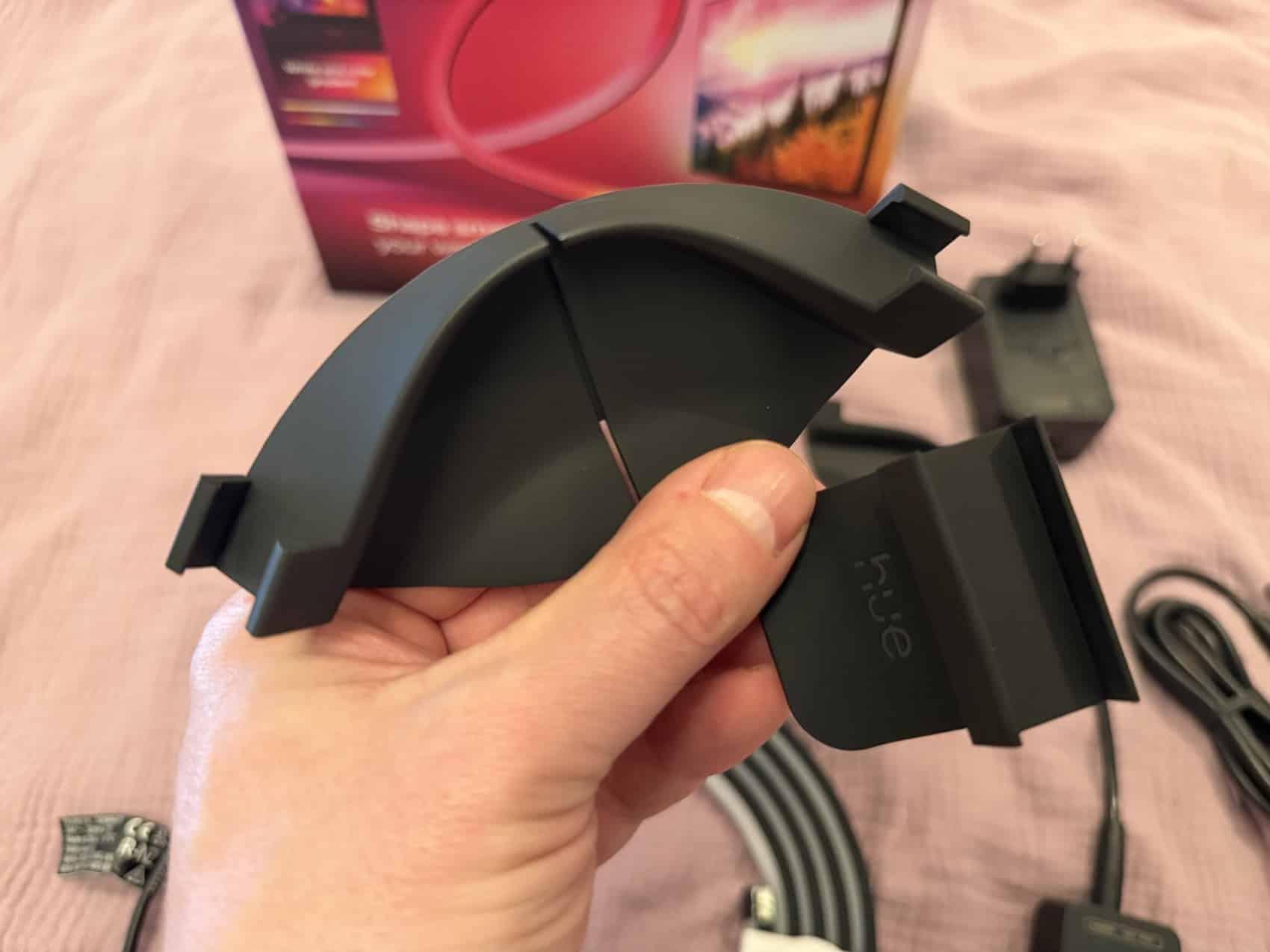
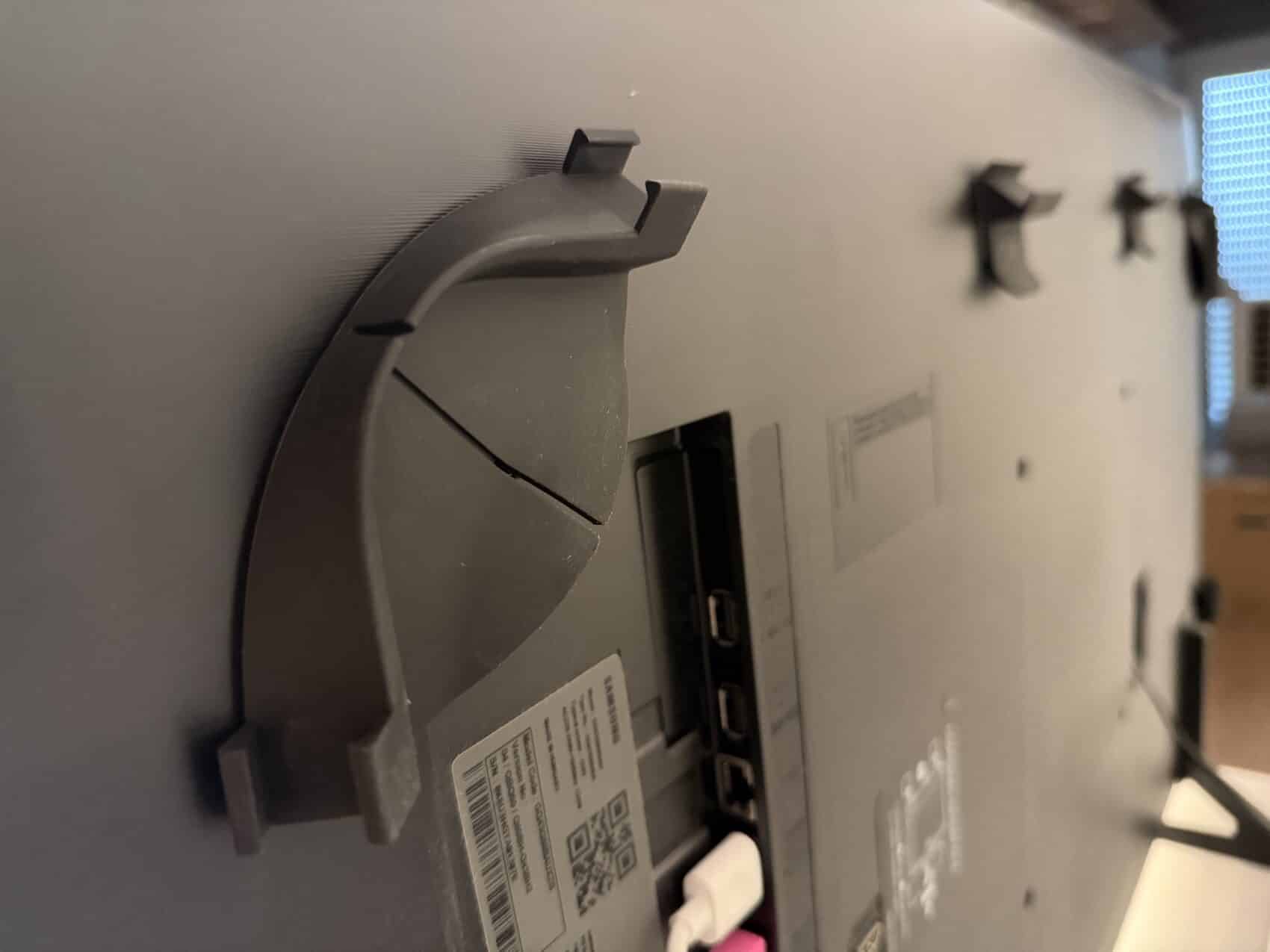
The matching mounts are, of course, included in the package. They’re designed to fit the width and thickness of the respective light strip and are angled at about 45 degrees. By the way, you can also purchase the mounts separately to mount an existing Flux or OmniGlow light strip on your TV.
The Hue Play Gradient Lightstrip Pro also comes with “just” seven zones
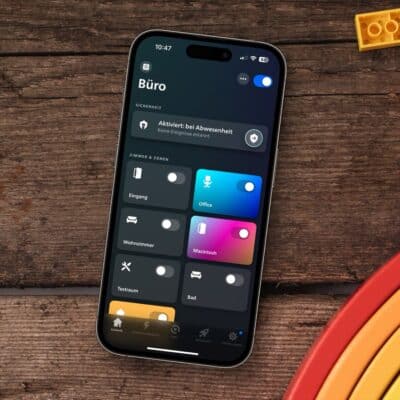
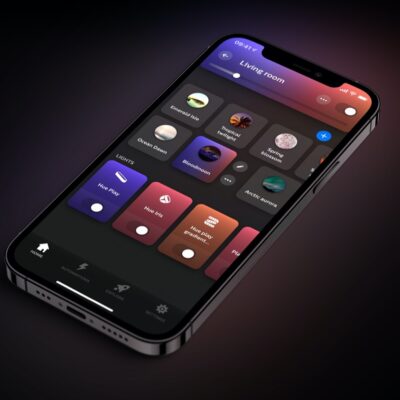
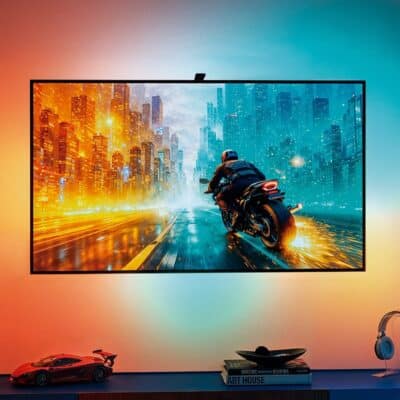
The general functionality remains unchanged. The Hue Play Gradient Lightstrip Pro receives instructions on how to light up via Hue Sync. You can use one of the Sync Boxes, the new Screen Sync camera, the TV app for Samsung and LG, or even the Sync app for your computer if you’ve mounted the light strip behind a PC monitor.
The Hue Play Gradient Lightstrip Pro then adjusts its color to match the TV image, though it still has only seven zones: two on the left, three at the top, and two on the right. So there were no improvements here, especially since the individual segments are strictly separated from one another and no color gradient is calculated.
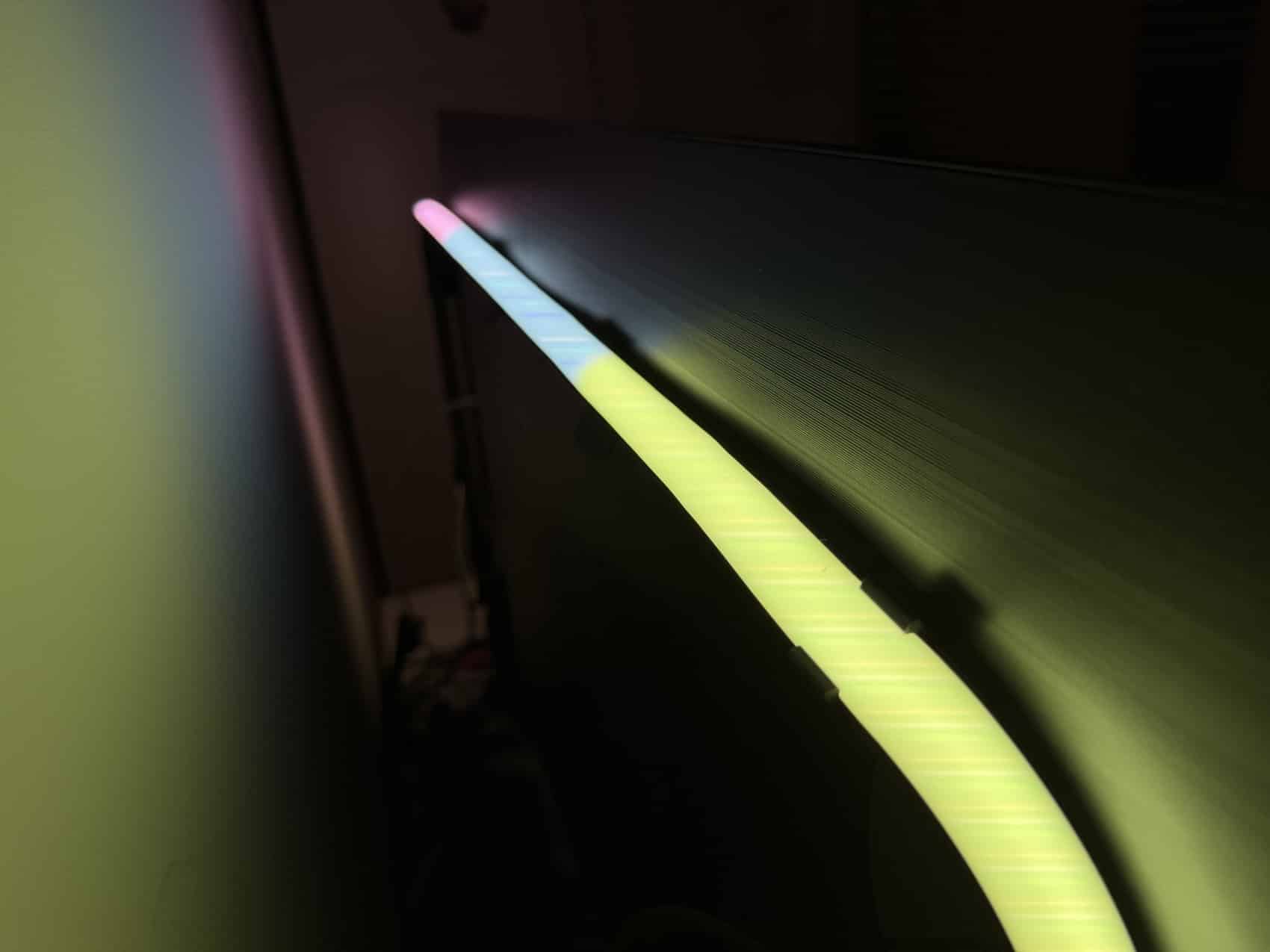
As far as I’ve learned, this appears to be due to technical reasons. There’s a physical limit to how many colors and updates per second can be transmitted via Zigbee. So Philips Hue had to decide how to divide up the light strip—more zones might have meant that the sync wouldn’t work as quickly.
Incidentally, that could also be one reason why Philips Hue doesn’t cover the bottom of the TV, even with the new generation of light strips. The light strip itself would certainly be capable of doing so—but then Hue Sync would have to synchronize three additional segments across the same device.
Should you go with the Pro model or the basic Play Gradient?
If the light strip were mounted in plain view—say, on the wall or under a kitchen cabinet—my answer would be clear: definitely the Pro model with OmniGlow technology. But when it’s hidden behind the TV, the verdict is quite different, since you can’t make out individual light points there anyway.
There’s only one reason to choose the Hue Play Gradient Lightstrip Pro over the more affordable model. If the distance between the wall and the TV is extremely small—I’d say less than 5 centimeters—then the Pro model is superior. In this setup, the milky diffuser and the even closer LED spacing make a positive difference. The light on the wall is then significantly more even.
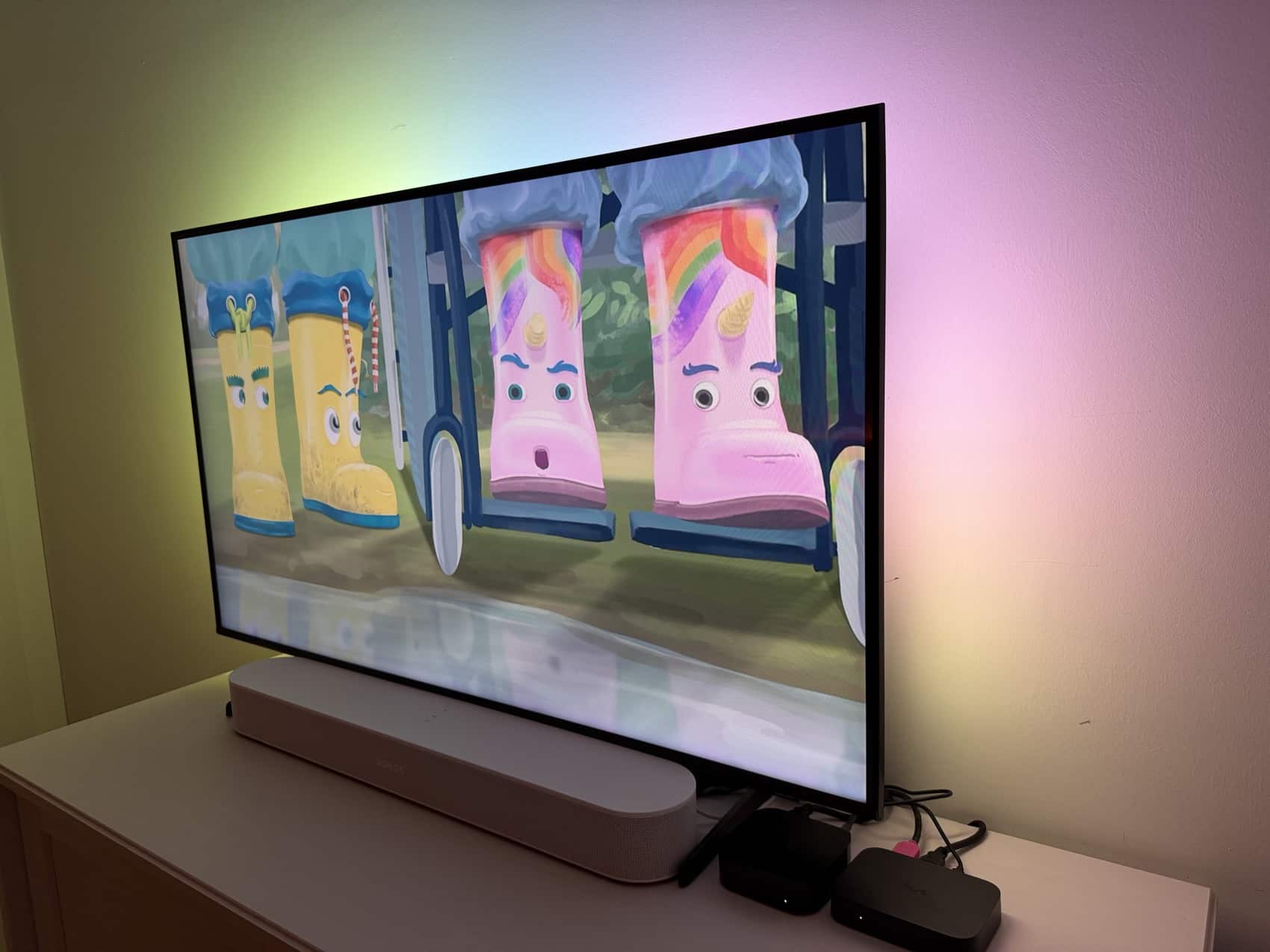
Otherwise, the Hue Play Gradient Lightstrip has the edge in terms of price: for 65-inch models, we’re looking at 99.99 euros and 159.99 euros; for 85-inch models, 119.99 euros and 179.99 euros. And for even larger TVs, it’s certainly more cost-effective to get the 4-meter-long Hue Flux light strip and the separately available mounts.
Is it worth upgrading from the old Hue Play Gradient Lightstrip?
Even though I haven’t used it in practice for a long time, I’m very sure of one thing: If your TV isn’t mounted directly on the wall and you’ve been dissatisfied with the lighting as a result, there’s no reason to replace an already installed (old) Hue Play Gradient Lightstrip with the new Hue Play Gradient Lightstrip Pro. Technically, nothing else has changed.
For “newcomers,” however, the two new TV light strips from Philips Hue definitely offer many advantages. They’re more affordable than before and cover all TV sizes, including significantly smaller or larger screens.
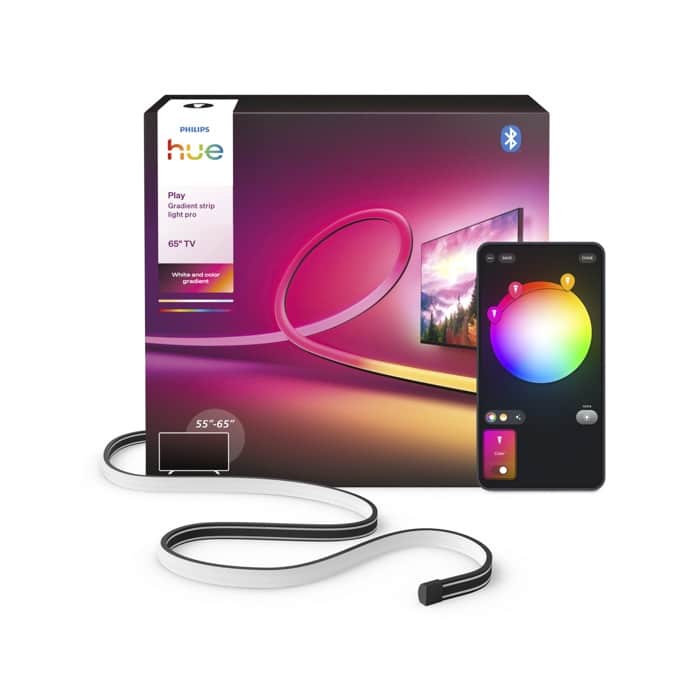
Hue Play Gradient Lightstrip Pro
from $179.99 / €159.99
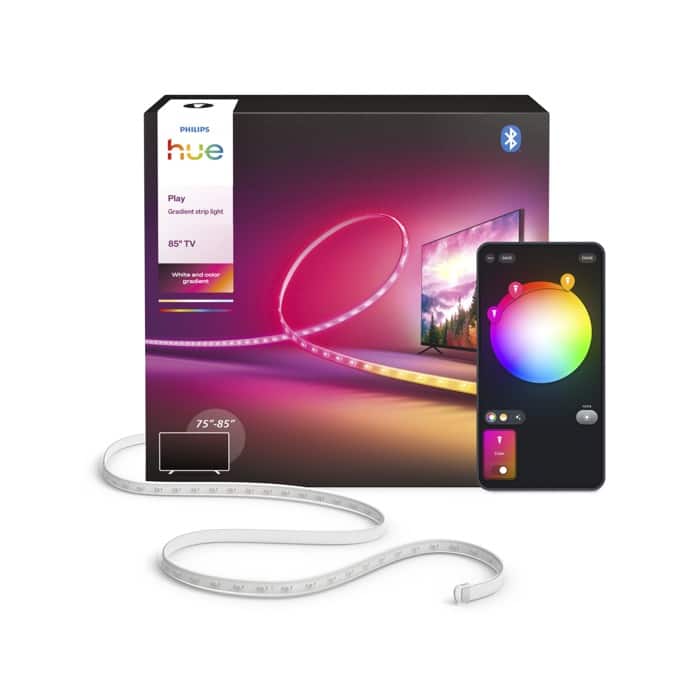
Hue Play Gradient Lightstrip
from $149.99 / €99.99


Did you test it with synching lights to tv sounds, more responsive or brighter?
Responsiveness has not changes. Brightness is hard to say, but I reduced it to 50% and it’s still bright enough in the evening.
How is it with slim wall mount TVs like LG G6 series? The prior verison was quite thick- you could not mount it behind it.
You still need some space between wall and tv, I would say about 3cm at least. But thats the absolute minimum.
How is the weight and stiffness of the Pro/OmniGlow strip? The older Play kits kinda sagged as the strip was too heavy and the distance between the mounts too far. Still it was also too stiff and wanted to both pop out of the mounts and rip the mounts of the back of the TV…
I tried it on a 43 inch, so the distance was not that far. The strip itself is much lighter, but I honestly can not say how it will work on a large TV with the same number of mounts.
If I shorten the 65 inch pro version to fit a 48 inch TV, will I lose color zones? Is it smart enough to readjust the separation points of the zones?
It recalibrates to the new length, works fine on any TV size 🙂
Do you notice any improvements in colour accuracy or colour matching when syncing with a TV between the pro and the original?
I think brightness is my main gripe about the old strip, they are very dim at maximum brightness, especially if your TV isn’t wall-mounted. There is no specification for brightness on the new models, but I suspect they are much brighter because the Omniglow strips are extremely bright compared to the old Gradient strips. I’m still not compelled to swap it out however.
Why does the 85” look different? Same RGB tech but no OmniGlow?
Because there are two versions. The Hue Play Gradient Lightstrip, and Hue Play Gradient Lightstrip Pro. Only the Pro fits TVs up to 100 inches.
so in order to get omni glow for a 70″ tv you’ll have to get the 100″ and cut it to size? there’s no 85″ light strip pro?
The Hue Play Gradient Lightstrip Pro is available in length 65″, 85″ and 100″.
I presume it still doesn’t play nice with ultrawides?
Do you know why the 65″ manual only refer to a 55″ cut ?