





 Fabian
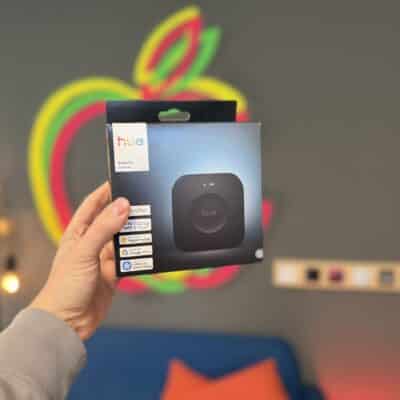
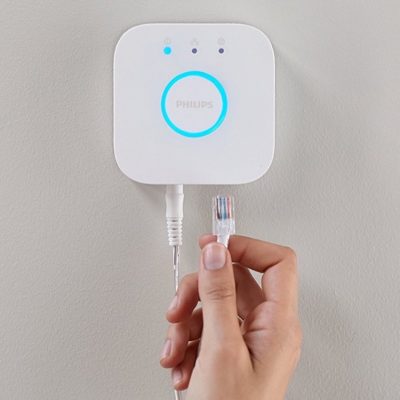
In early September, Philips Hue introduced Custom AI Behaviors, a new feature designed to make many settings both simpler and more comprehensive. The feature was actually supposed to launch about four weeks ago, but after a slight delay, it’s finally here. The required update to version 6.4.0 of the Philips Hue app is already available in the Apple App Store, and the update should be coming soon to the Google Play Store. You’ll also need to make sure your Hue Bridge Pro is already running the latest firmware. The older, white Hue Bridge is not supported.
“You can now create richer, more personalized automations for your lights and accessories simply by describing what you want,” says Philips Hue in announcing the new Custom AI Behaviors.
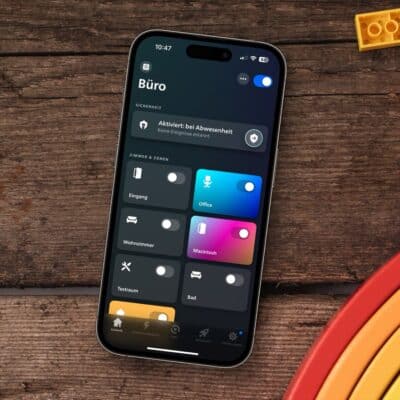
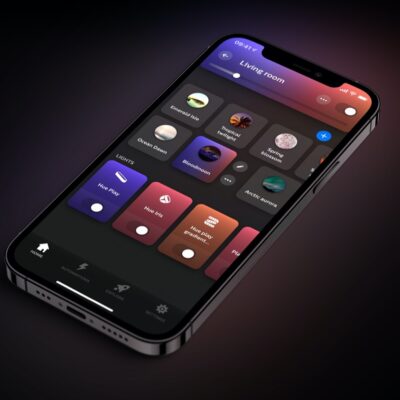
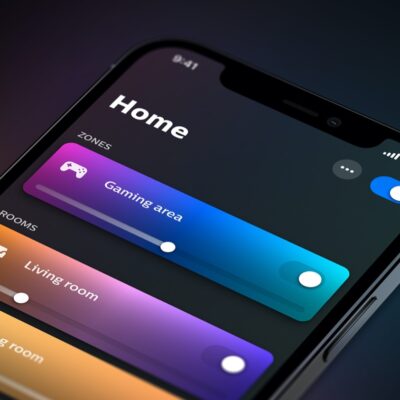
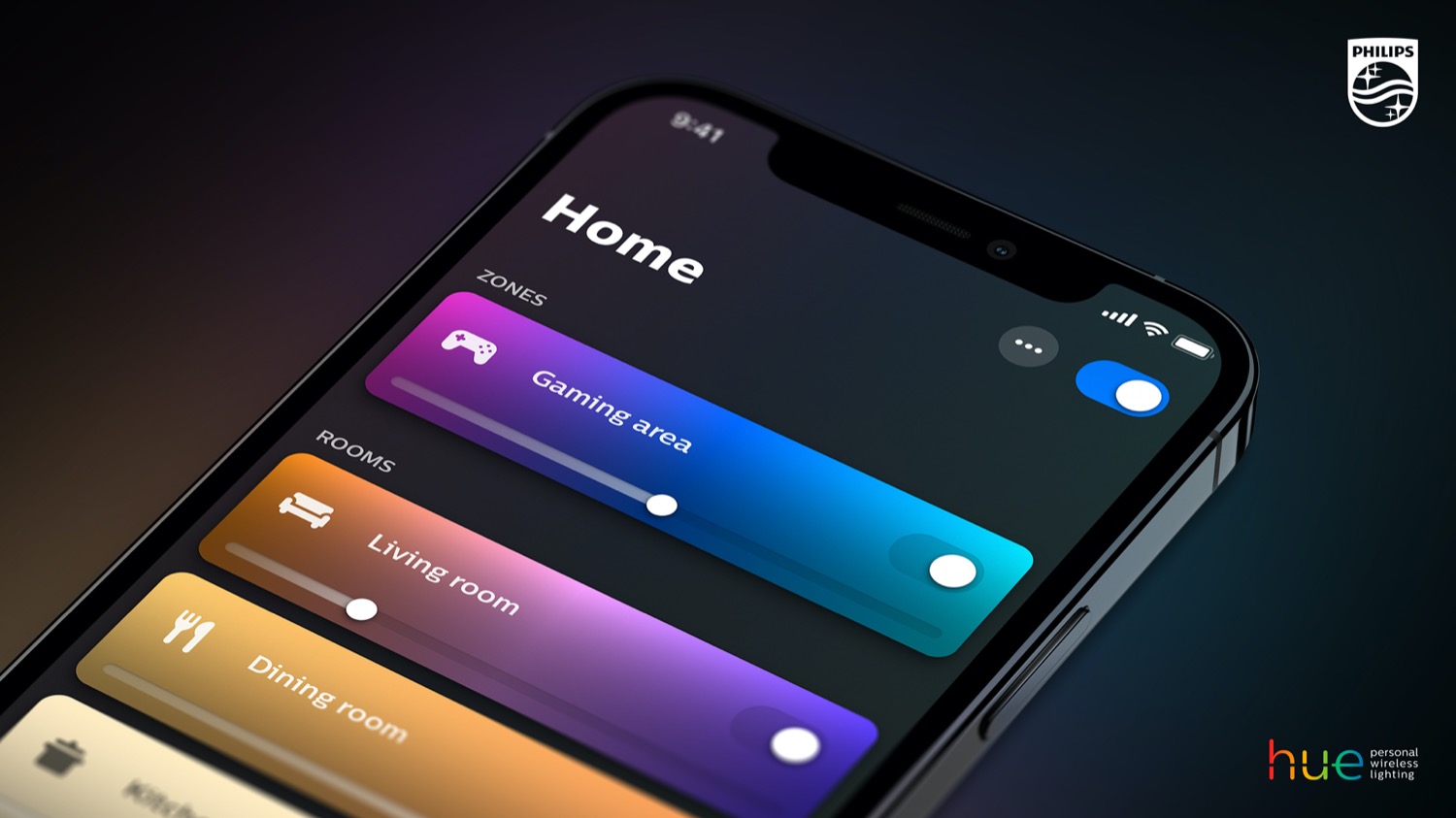
The improved assistant can be accessed from several different areas. You’ll find it via the familiar AI Assistant icon on the home screen, in rooms, and in zones. You can also find Custom AI Behaviors directly in the “Automations” tab or in the configuration settings for switches and sensors.
Here’s my first impression of the Custom AI Behaviors
Even though I’m still on vacation, I was able to run an initial test right away thanks to a remote connection. The task is easy to explain: Two selected lights in a room should turn on automatically at sunset—and each day with a different one of ten cozy, gentle scenes.
The upgraded AI assistant recognized the command without any issues, but there were still some glitches with the execution. Although a suitable automation was created and the desired scenes were set up, these scenes turned on not only the two specified lamps but also all the other lights in the room.
When I then specifically instructed the AI once again to use only the two specified lamps and ignore all other lights, it gave up and simply displayed an error message. At this point, I’d probably have to first create a zone with just those two lamps in order to then set up the desired automation.
In this context, however, the biggest problem with Custom AI Behaviors becomes apparent: you’re entirely limited by the AI’s logic and reasoning. If it doesn’t cooperate, you’re out of luck. There’s no way in the Philips Hue app to manually edit an automation created by the AI after the fact.
Feel free to share in the comments how your first attempts with this new feature went. I’m curious to hear about your experiences!


This is also new in Philips Hue 6.4.0
- SpatialAware now supports Zones. Enjoy spatially optimized scenes across Zones while preserving the unique spatial layout of every room. To get started, open a Zone, tap (+), and select “Add SpatialAware map”
- Discover scenes tailored to your room or zone with recommendations in the Scene Gallery, now also based on the time of day.
- Setting up your Screen sync is now easier. Pinch and zoom to place the corners and see when autotuning to the content on your screen is complete.

I have tried the added Custom AI Behaviors behaviors and I have found them very helpful indeed, I can now customize the switches usage in ways that I couldn’t before.
But I will need to report some issues using them:
1. When setting up a smart button with a Custom AI Behavior the BEHAVIOR menu disappears for the configured switch. There is no setting for Press and hold in the switch settings screen anymore.
2. In the case of the Tap Dial 4-button switch there are several issues:
Firstly, setting up one button using a Custom AI behavior seems to reset all the other buttons.
Additionally, the configuration of each button loses the normal switch settings menu and has to be set up via custom AI behavior.
Moreover, the Dial capability has also lost it’s menu and now needs to set up via Custom AI behavior.
Once more there is no option for Press and hold configuration.
I believe that these all are things that will be resolved with a future app update.
I consider the added capabilities a major step forward overall.
A complete lack of user control. A major step forward indeed… (facepalm)
I have the latest version of the HUE app and also the latest firmware of the HUE Bridge PRO but nowhere can i find a custom behavior ai button. Is this a feature only available in certain regions? I am in Sweden
Please tell Signify to remove this AI garbage and improve the manual programming so I decide what I want to happen to my lights and not a data centre we didn’t ask for, thank you!
Why can’t I program just one button instead of having to erase everything? It even blocks manual programming then, so everything device does has to be instructed to stupid AI, taking way more time and effort just for some new function which could be easily listed in app UI like everything else.
And if they don’t want to clutter the UI with all those new possibilities there’s still only 3 actions per button short press, double press and long press. Each should be treated as separate entity and have option to be programed manually with current simple actions or custom AI behavior. Great new possibilities but frustrating implementation, hope they improve it with time.
Why bother doing some real work with UI when you can offload it to AI slop machine?
That’s all companies are capable of these days it seems.
Bloody slop. Just as expected. Won’t even bother updating, because it will surely break something along the way.