












 Fabian
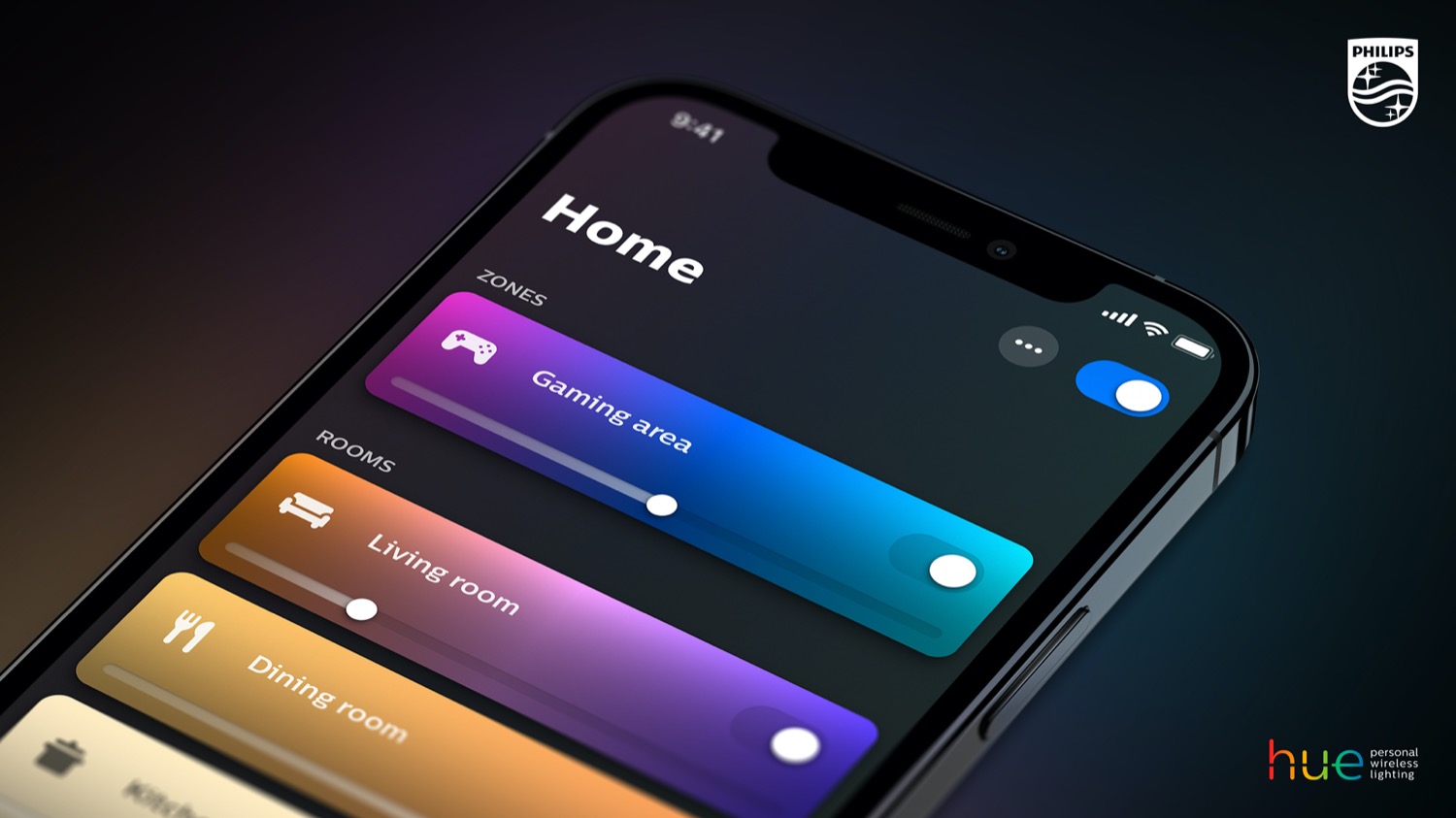
Philips Hue has just released version 5.62.0 of its in-house app in the Apple App Store and Google Play Store. I couldn’t see any major new features; it seems that only the function described in the update description has been added.
“You can now set the orientation of your Gradient lights. Great to re-orient your Gradient strip lights when you mounted them from right-to-left or top-to-bottom. Just tap a light card → Three dots (…) icon → Light settings → Orientation to match your situation”, says the manufacturer about the latest update.
This feature was previously available for Gradient products in Hue Entertainment areas, but now you can also adjust the settings outside of these areas. All types of Hue Gradient Lightstrips and the Hue Gradient Light Tube are compatible.
However, the setting outside of Hue Sync has no real impact on everyday use. This is likely to change with the upcoming launch of MotionAware, as the alignment of the gradient lights is certainly relevant here.


It seems like they really do not want to release homekit support for hue secure, they mentioned this in their press release in January, but they secretly removed it! You can compare the press release via the wayback machine: https://web.archive.org/web/20260107113231/https://www.signify.com/global/our-company/news/press-releases/2026/20260107-philips-hue-revolutionizes-lighting-design-with-hue-spatialaware-feature-that-understands-your-space
I don’t understand why they are so hesitant about it. Must be either because they make a nice buck via their subscription model which nobody will keep if the integration supports HKSV, or maybe they do want to go the matter route instead of through homekit directly. Either way, there has been a working demo previously, they should offer some transparency on the situation. I bought the doorbell because they promised support for this
Thanks for the heads up. I will investigate!
Does this do anything at all yet, or only whenever SpatialAware is launched? (Article says MotionAware, which certainly has no functionality related to this…?!)
Since you’re connected to the Hue team, perhaps you can let them know that the UI for setting orientation of gradient strips is the wrong way around and just all around dumb? In the UI the orientation options are the somewhat ambiguous wording “cable pointing up” and “cable pointing down”, though from how the icon looks you’d assume this would mean control box at the bottom or at the top.
I have two vertical Flux strips inside cabinets with frosted glass doors, with the control box at the bottom. You’d think this would mean I should choose “cable pointing up”, but nope, then the lights shown will be upside down compared to what is on my TV and corresponding Play gradient strip!
Also, when choosing orientation for the strip outside the entertainment zone, the terminology and icons are the same, but for some reason are in the opposite order: “cable pointing down” is on the left/comes first and “cable pointing up” right/second.
Why the difference? Why the opposite? Why this terminology at all? It would be much easier to understand if the wording was “strip pointing upwards” and “strip pointing downwards” rather than which way the cable points!