
















 Fabian
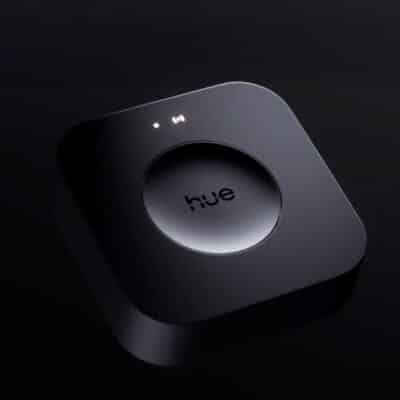
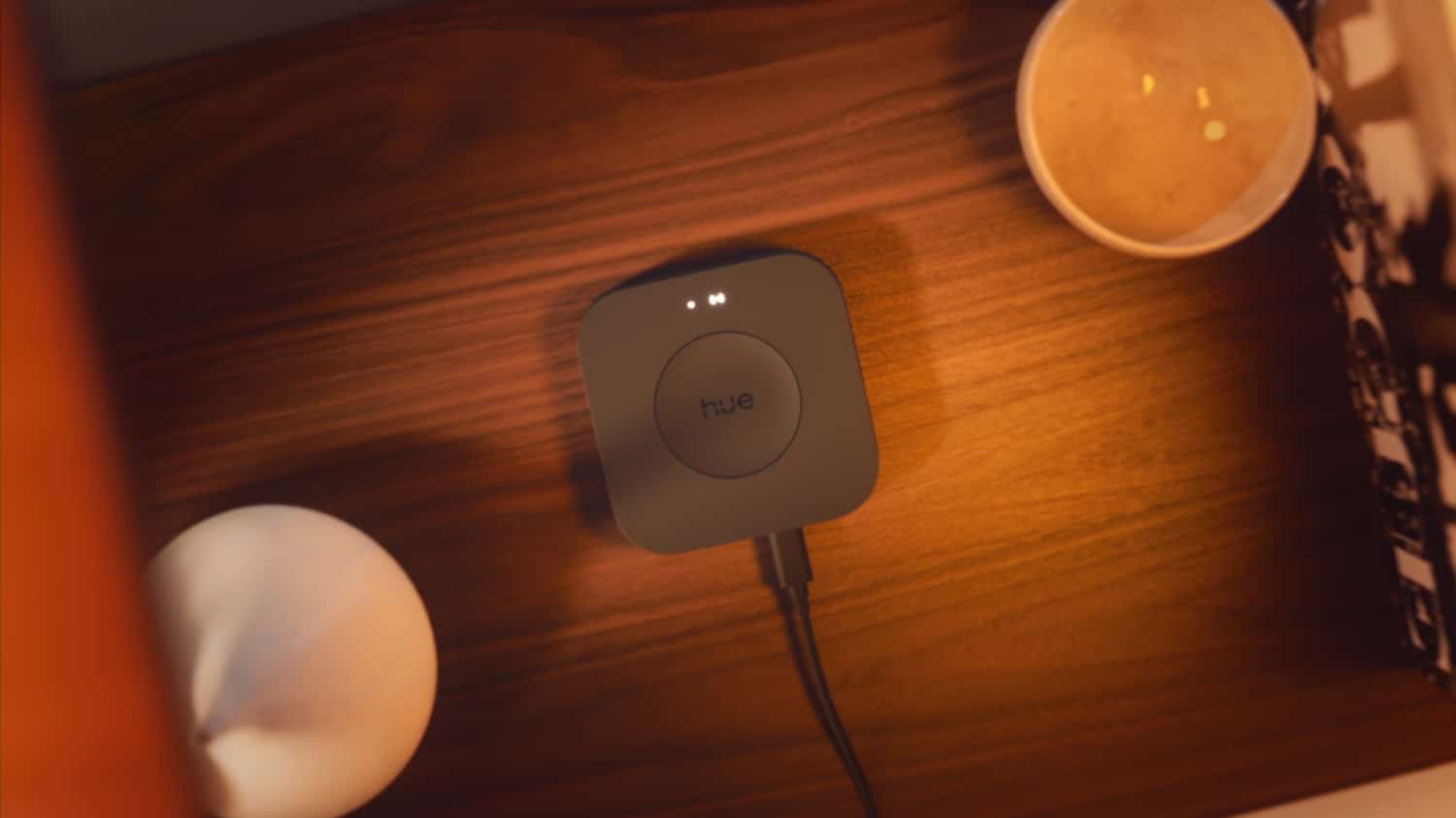
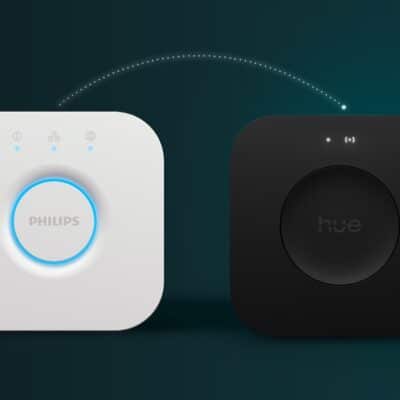
Philips Hue is currently rolling out new software versions for its control centers once again. A firmware update to version 2071127010 is available for the new Hue Bridge Pro. The classic white Hue Bridge is receiving an update to version 1974063020.
At least at a glance at the official release notes, there appear to be no differences between the two updates. In addition to the usual bug fixes and general improvements, Philips Hue also mentions the following: “We have resolved an issue where pairing over Matter failed as a result of connected third party devices.”
The Hue Bridge Pro and third-party lamps
Third-party is a good keyword, by the way, as there has recently been a lively discussion on this very topic in the community. Among other things, it said: “I am now horrified to discover that several of my Innr ceiling spotlights and various Zigbee actuators from Hoftronic and other manufacturers are no longer recognized. According to various sources on the internet, this seems to be intentional on the part of Philips Hue – third-party compatibility has apparently been severely restricted.”
As far as I am aware, this is not correct. I checked this myself again this morning and was able to pair and control an E27 lamp from Innr with the Hue Bridge Pro without any problems.
The truth is that the Hue Bridge Pro now only allows connection to Zigbee lights that are equipped with Trust Center functionality. This is the only way to ensure a secure connection to the devices.
Old Zigbee protocols or SmartLink are not supported
Due to the increased security provided by Trust Center, only Zigbee 3.0 devices are compatible with the Hue Bridge Pro. Incidentally, Zigbee 3.0 was introduced in 2016 and is therefore anything but new.
Devices without Zigbee 3.0 or devices with SmartLink are no longer compatible, as communicated by the manufacturer. This also affects in-house products, such as the first LivingColors lights.
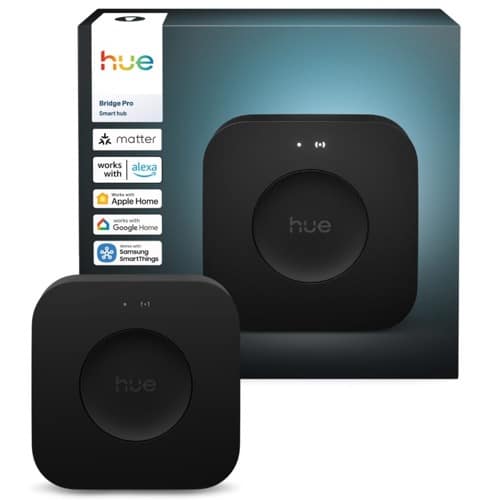
Hue Bridge Pro
$98.99 / €89.99


I have the original bridge and whilst I have not been able to connect my Philips tv ambilight to my hue bulb for over a year this is now working again, no idea if the update did this or it just started working again but I am happy it is.
Did anyone encounter issues with Friends of Hue switches on the new Bridge Pro? I have several switches from Feller (Smart Light Control). I managed to migrate some from my previous bridge, but I cannot add new ones. They are not discovered by the new Bridge Pro (after pushing the bottom right button for 10 seconds).
No problems here with the Niko switches
Today I installed my PRO bridge and the migration went fine. All non-hue devices could be paired after the automatic part. However my Somfy Tahoma switch can no longer access the new bridge. Somfy software is usually not of high quality but I don’t know whom to blame now…
Is it already possible to migrate more than one bridge to the pro bridge automatcally?
During the migration process it said you could not. But it also said it would connect to Apple Home so who knows.
How do you get the update? Does it happen automatically?
@Eds
Check your app (Settings -> Software Updates)
It’s possible to get it automatically if you opted in to it or to request the update on that screen
Is this why the new Bridge Pro won’t connect to Apple Home? Is Hue feuding with Apple? My smart home is completely broken now because of the migration from the old Hub and Hue has zero customer support. Maybe I could embarrass them on social media or something because they don’t have any chat or email support and they won’t answer the phone. The whole reason I invested so much money in Hue products is that they Just Work. I have no idea even what to do next after updating all the software and power cycling everything. I have a new HomePod Mini and a newish iPhone, I’ve signed into my Hue account, I’m the “owner” of my Apple Home. Did I miss some crucial step “everyone” knows about like saying the magic chant or making an animal sacrifice?
Is it known if the new hub will be compatible with the newly released ZigBee 4? I read that it will be backwards compatible with version 3, but it would be interesting to know how Hue will implement it…