



 Fabian
Custom AI Behaviors were launched in the Philips Hue app just under a month ago. I was very excited at first, but the new feature didn’t really win me over. I’d actually prefer to create complex automations manually. But that’s just the way it is.
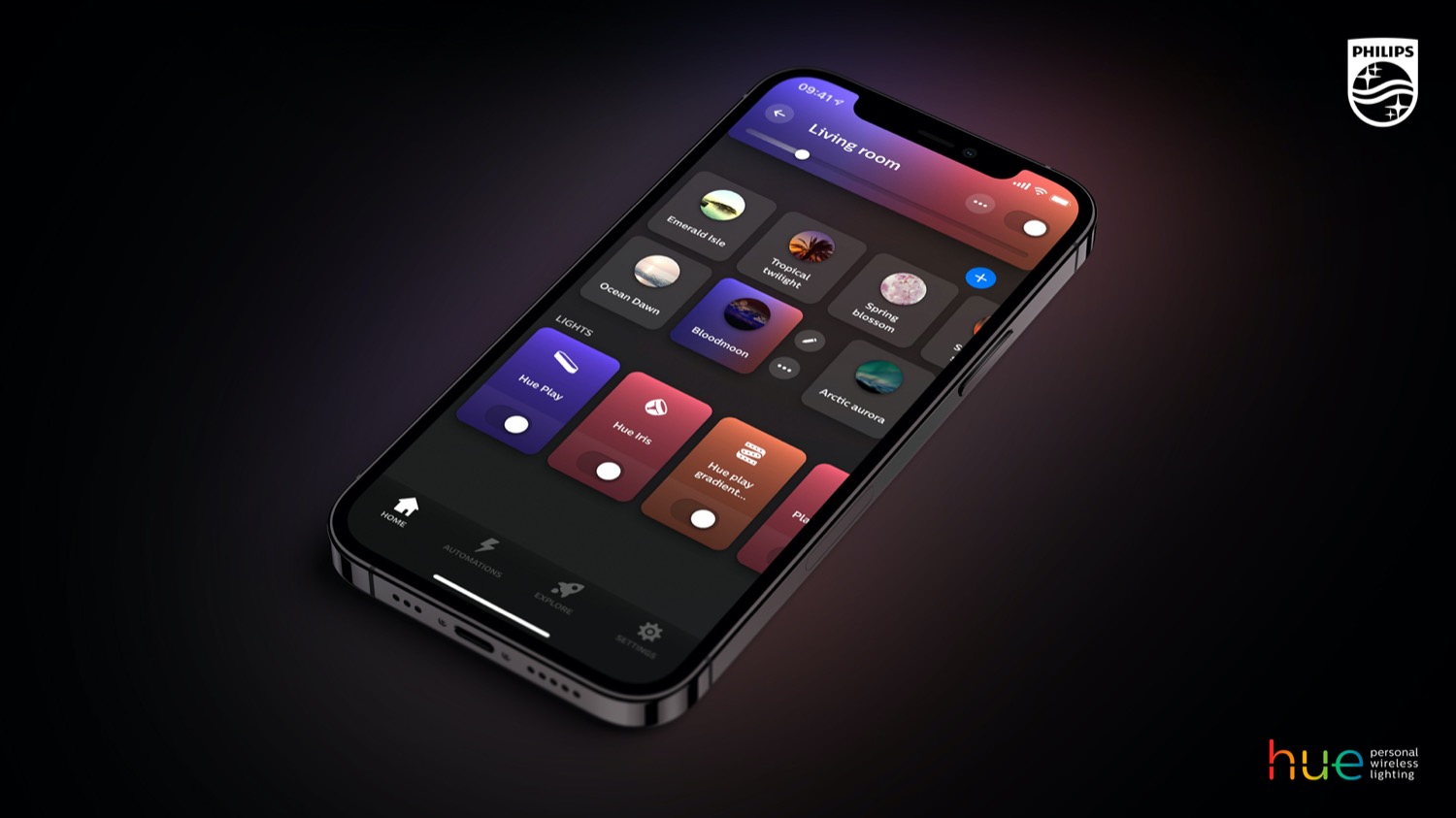
At least Philips Hue is continuing to work on improvements to Custom AI Behaviors. The first minor update comes with the latest version of the official Hue app, which is now available to download as version 6.6.0 from the Apple App Store. The update should follow shortly on the Google Play Store.
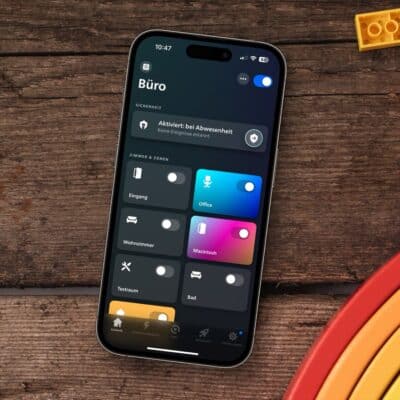
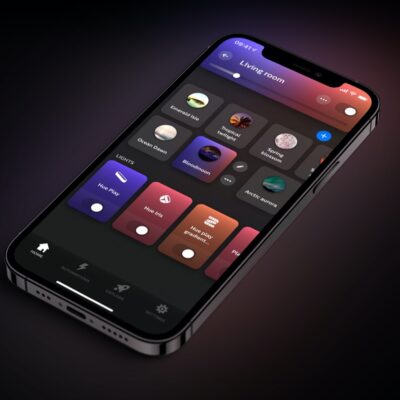
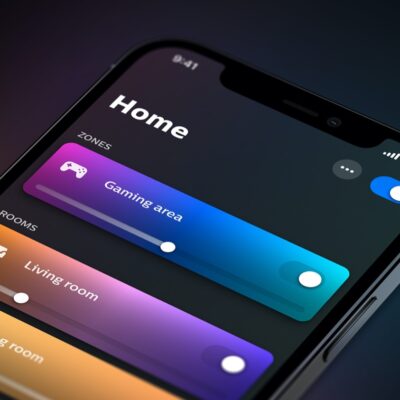
“We’ve made further improvements to Custom AI Behaviors. You can now start creating them more easily from the ‘Automations’ tab, use them with sensor groups, and find the behaviors you’ve created in the ‘Rooms’ and ‘Zones’ they affect,” states the official update description. The update is therefore particularly exciting if you’ve grouped several motion sensors together and now want to enhance them using AI.
What is the maximum number of Custom AI Behaviors possible?
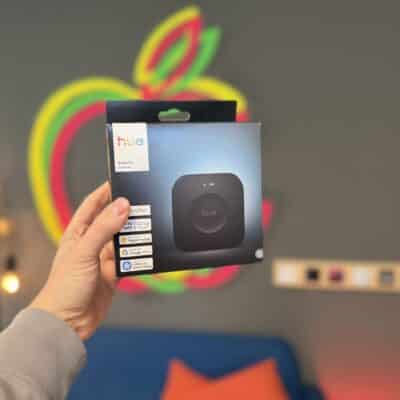
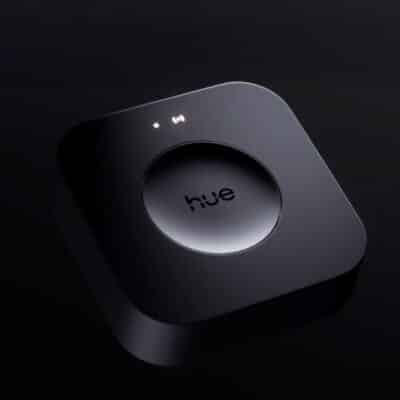
If you’re a big fan of Custom AI Behaviors and have already created quite a few AI-generated automations on your Hue Bridge Pro, you shouldn’t go overboard at the moment. Each automation created in this way takes up one ‘formula’ on the Bridge.
Currently, the Hue Bridge Pro can store up to 25 formulas. This number is apparently set to increase, but it’s currently unclear exactly when that will happen.
I’d actually prefer something quite different: at the very least, once created using the AI, it should be possible to manually adjust the individual settings within the formula. At present, once created, Custom AI Behaviors can only be adjusted using the AI – and that can be a bit frustrating.


