









 Fabian
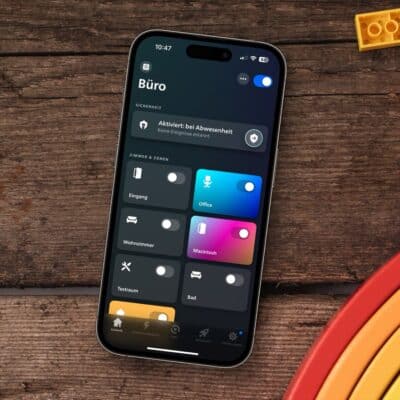
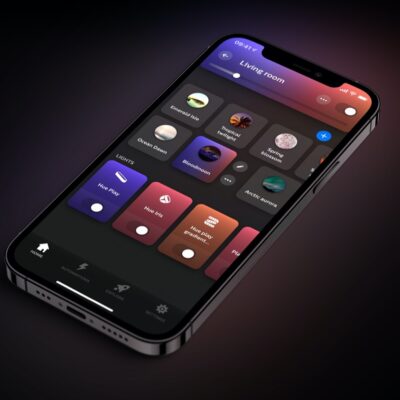
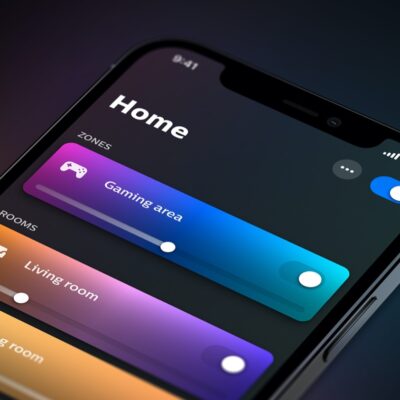
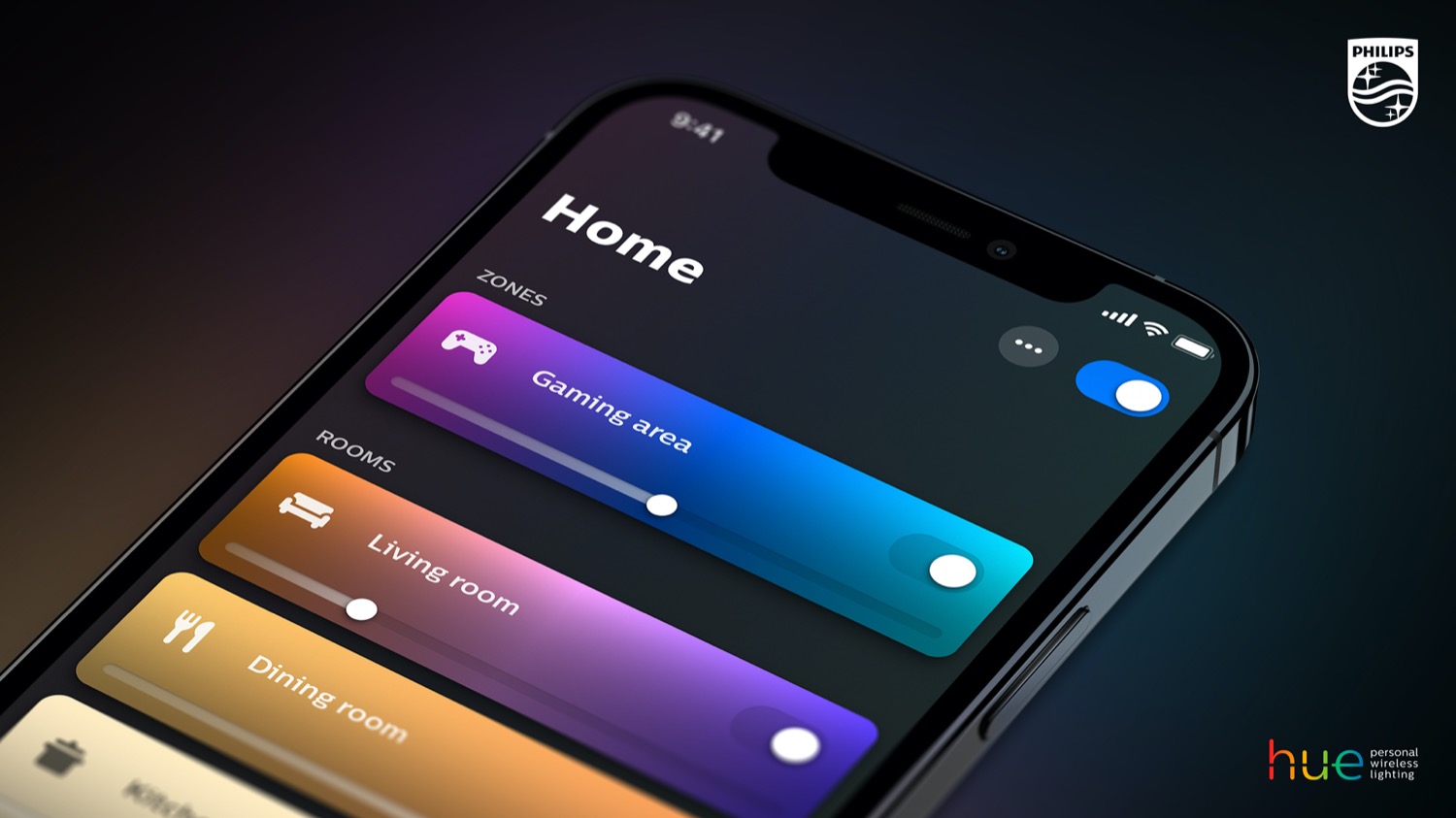
Philips Hue released another update for its official app yesterday. Version 6.1.0 is now available for download from the Apple App Store and Google Play Store. In addition to the usual improvements and bug fixes, this update focuses primarily on more flexible switch configuration.
“All buttons on every switch now support the same set of actions. Trigger scenes with a press-and-hold, start dimming from any button, and more. Previously limited options are now available across all buttons,” according to the update description.
And this actually makes a very positive difference, especially with accessories like the Philips Hue Dimmer Switch, which has a total of four buttons—all of which can recognize both short and long presses. Previously, the two middle buttons were reserved for the dimming function, but now they can also be used for other actions.
My Little Nightmare with the Bridge Migration
I already set up a few switches with the new features yesterday. And for good reason—a bridge migration had gone completely wrong beforehand, costing me about two hours of my life.
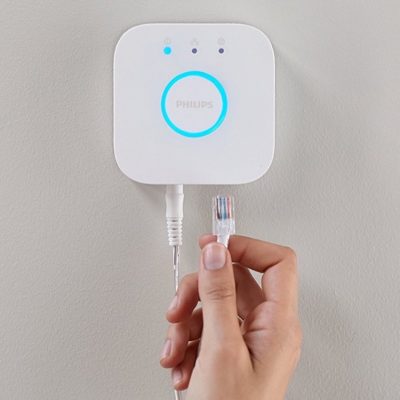
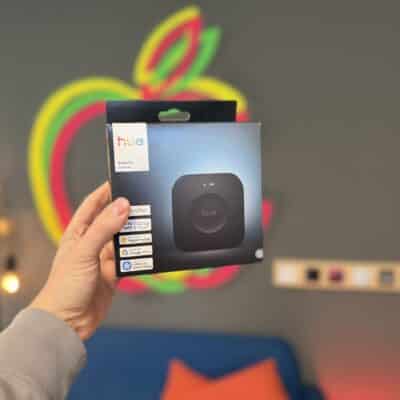
Why and how did this happen? I migrated my second Hue Bridge to the Hue Bridge Pro. This has been possible for quite a while, but I kept putting it off. In preparation for the backup feature and Custom AI Behaviors, though, it was finally time. The problem: While all devices were transferred, the settings, rooms, and scenes were not.
So I had to reassign all the lights, reconfigure all the sensors, and in some cases even remove light switches to access the setup codes for the wall switch modules. That was a bit of a bummer, especially since migrating the first bridge to the Hue Bridge Pro a year ago went absolutely smoothly. Feel free to leave a comment below and let me know how it went for you…


It’s this a common issue with the bridge pro migration from a second hub?
I’ve been thinking of doing it recently but the previous limitations have put me off as I have many lights and switches on my second hub